skillswapInterface atlas / November 13, 2026

The connected experience

One app.
Many ways to help.

32 screens & states. From finding a community to sharing a skill, agreeing on a session and continuing the conversation. Each capture preserves the full phone viewport. Open a screen to inspect the original image.

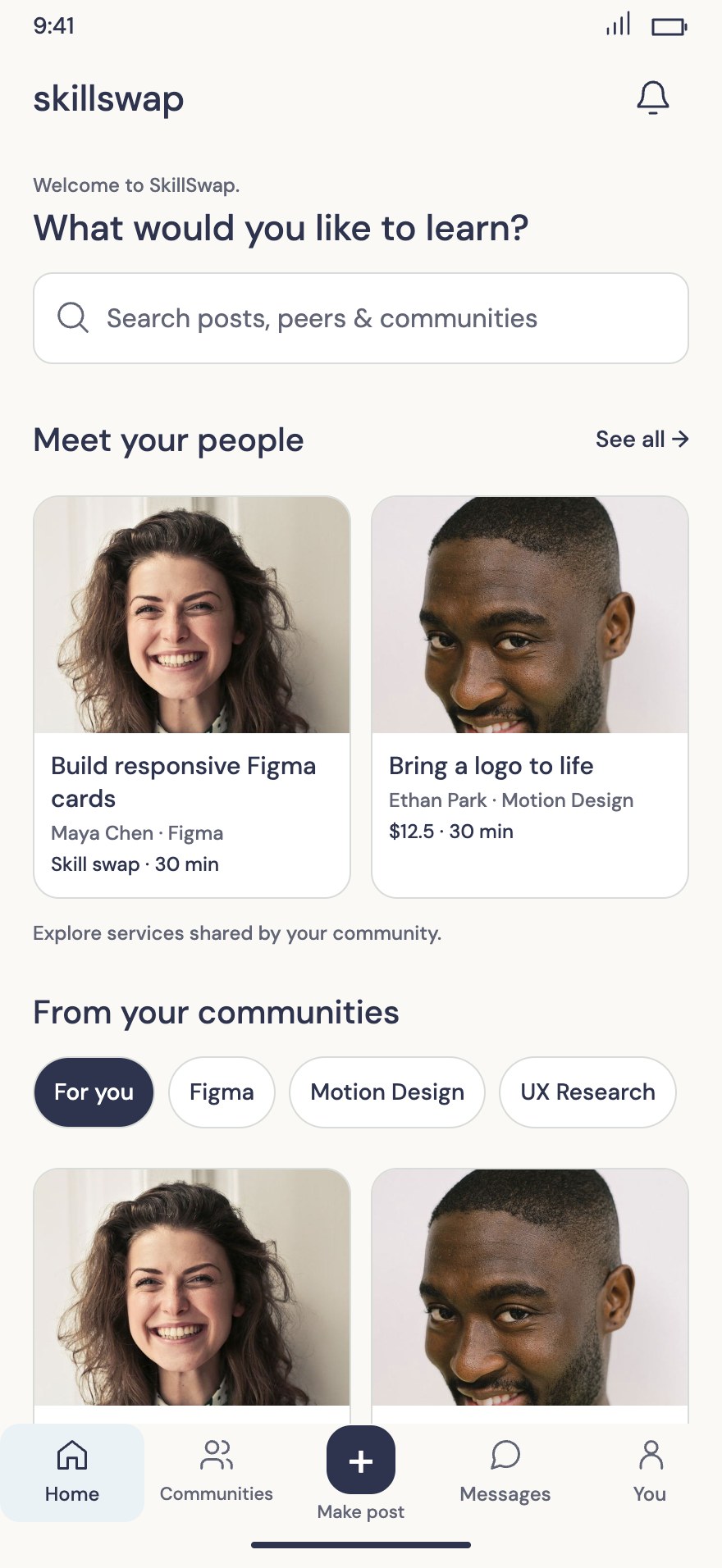
01Discovery

Discover your next step

SkillSwap browser interface: Discover your next step
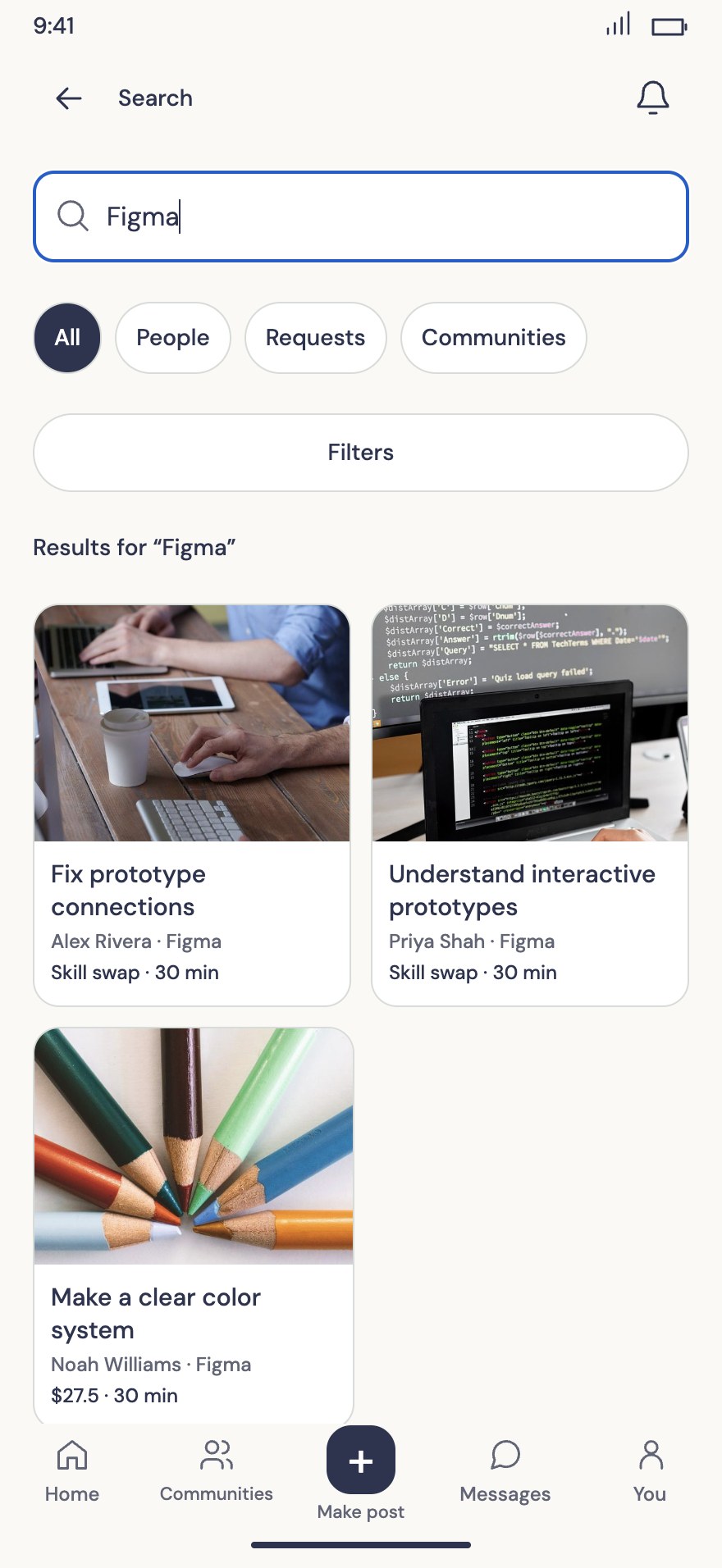
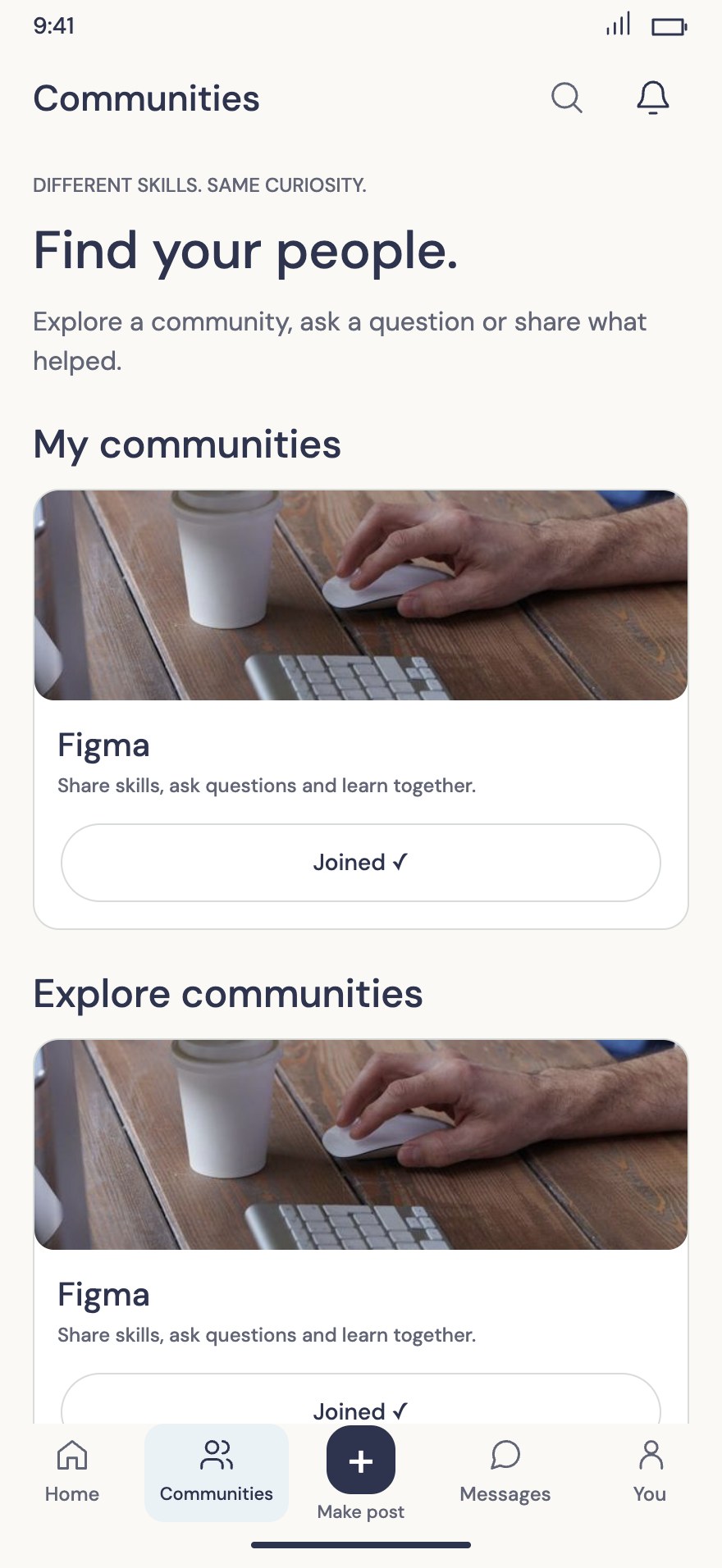
03Discovery

Find a learning community

SkillSwap browser interface: Find a learning community
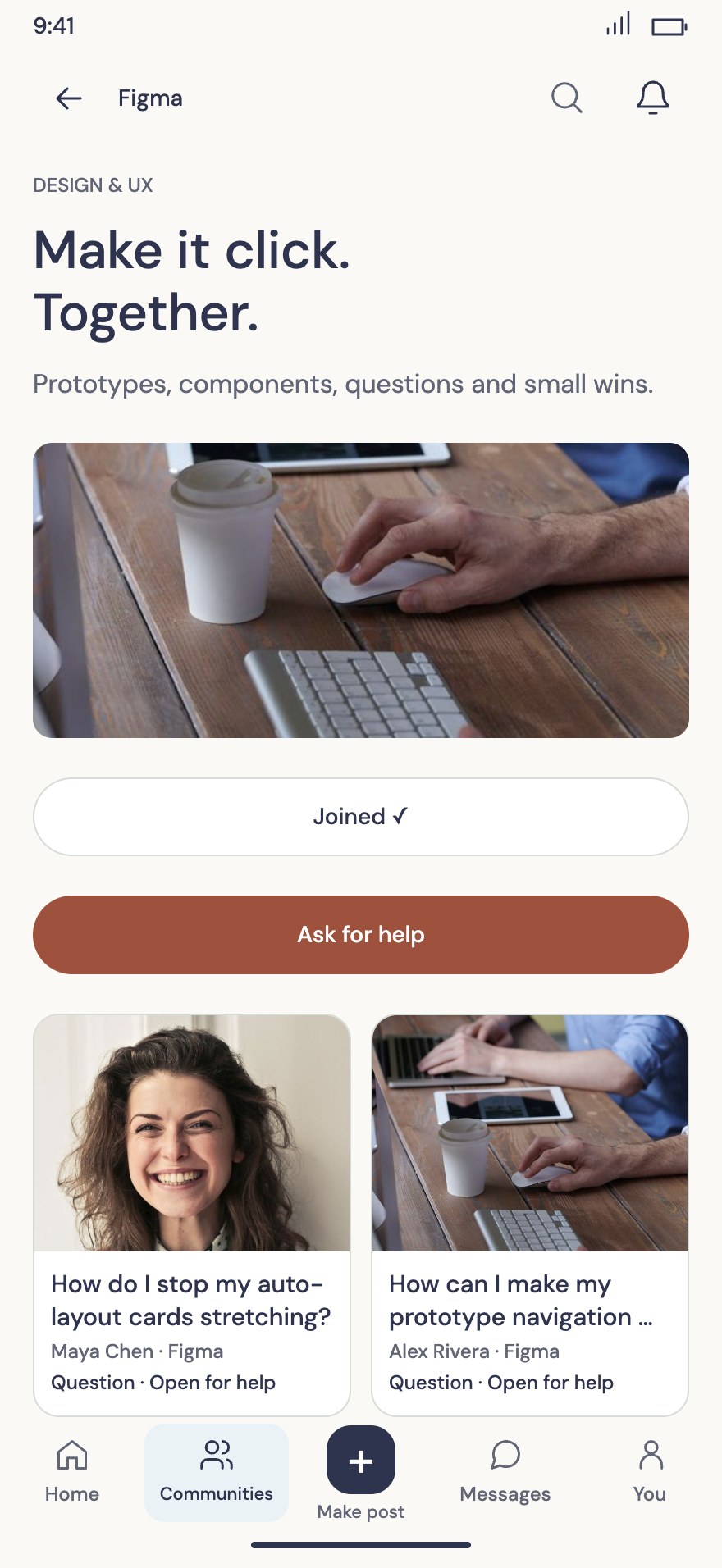
04Discovery

Explore a community

SkillSwap browser interface: Explore a community
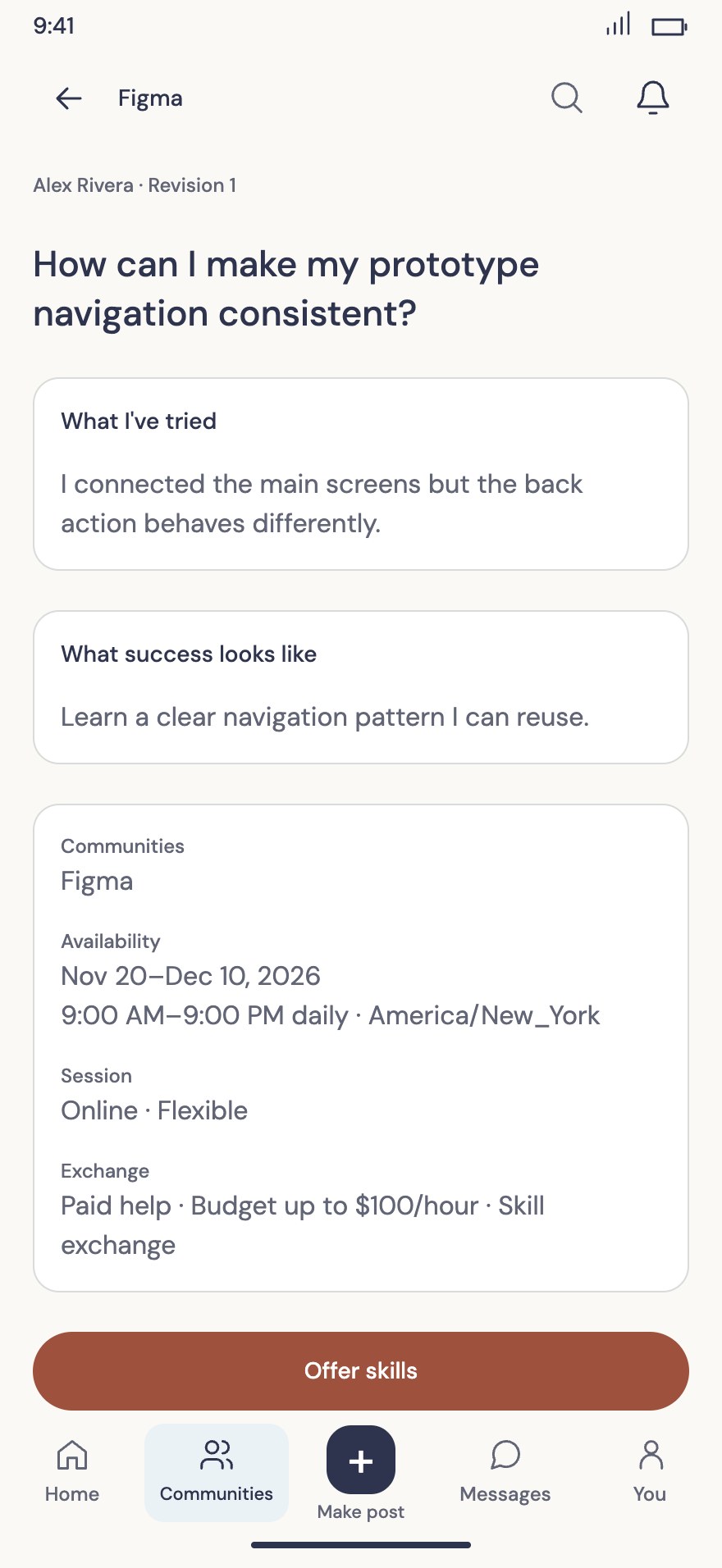
05Questions

Read another student’s question

SkillSwap browser interface: Read another student’s question
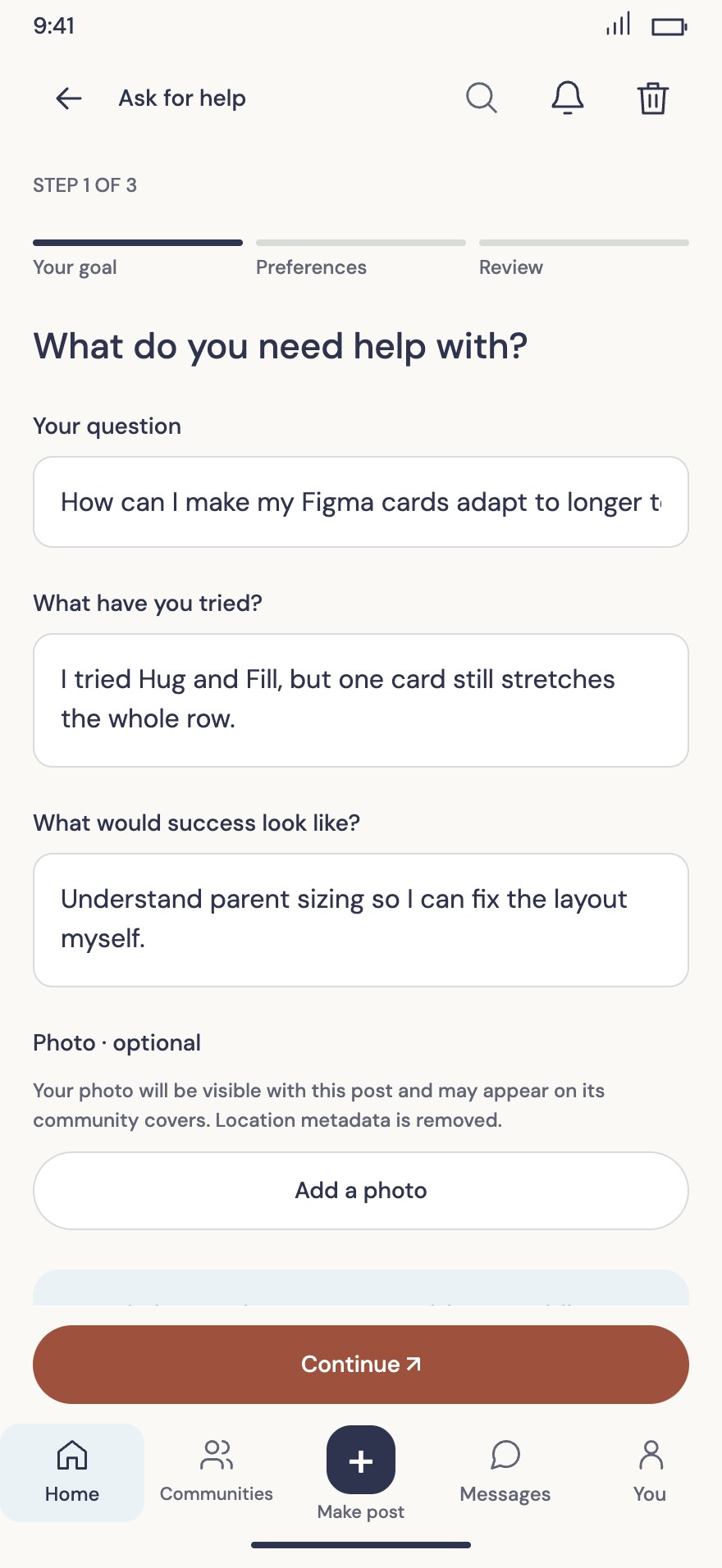
06Questions

Describe the problem

SkillSwap browser interface: Describe the problem
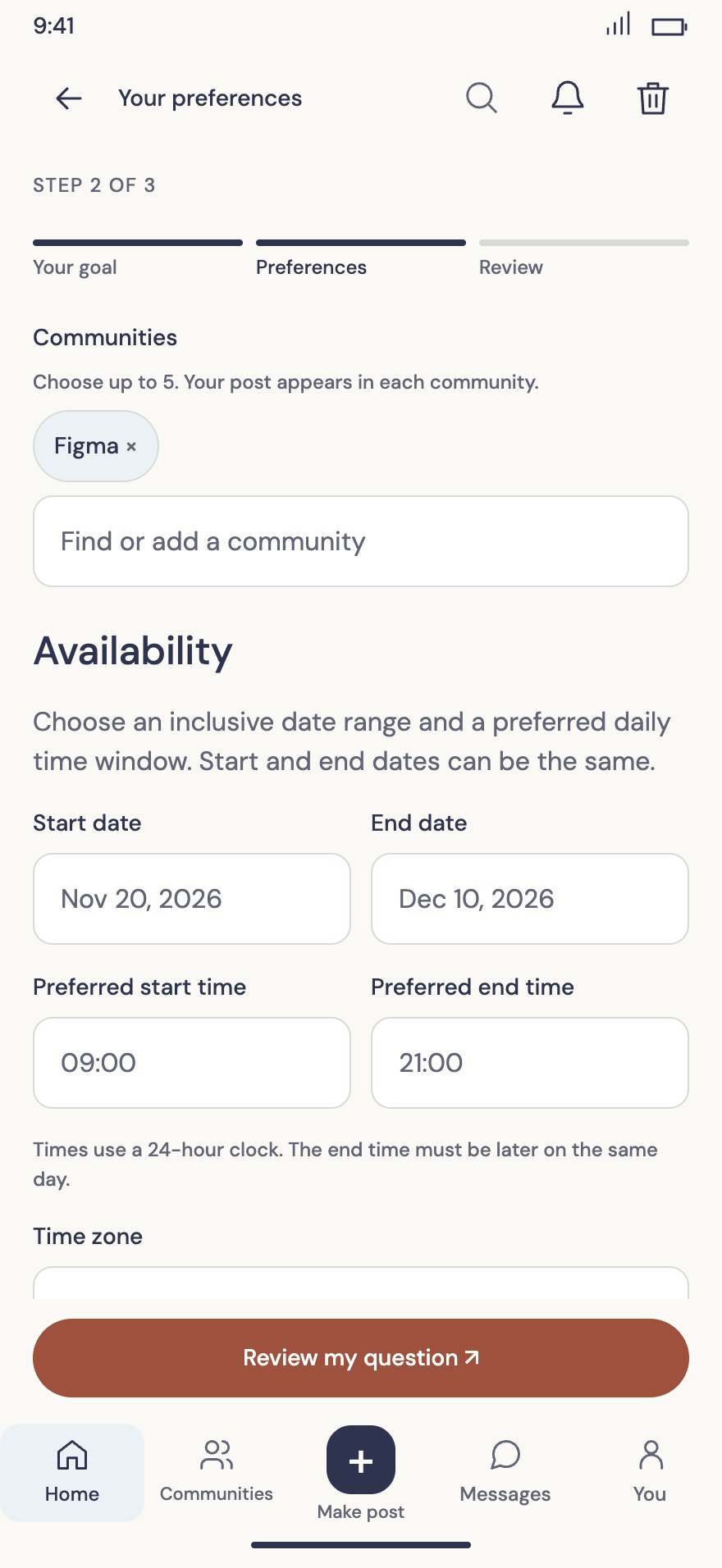
07Questions

Choose flexible preferences

SkillSwap browser interface: Choose flexible preferences
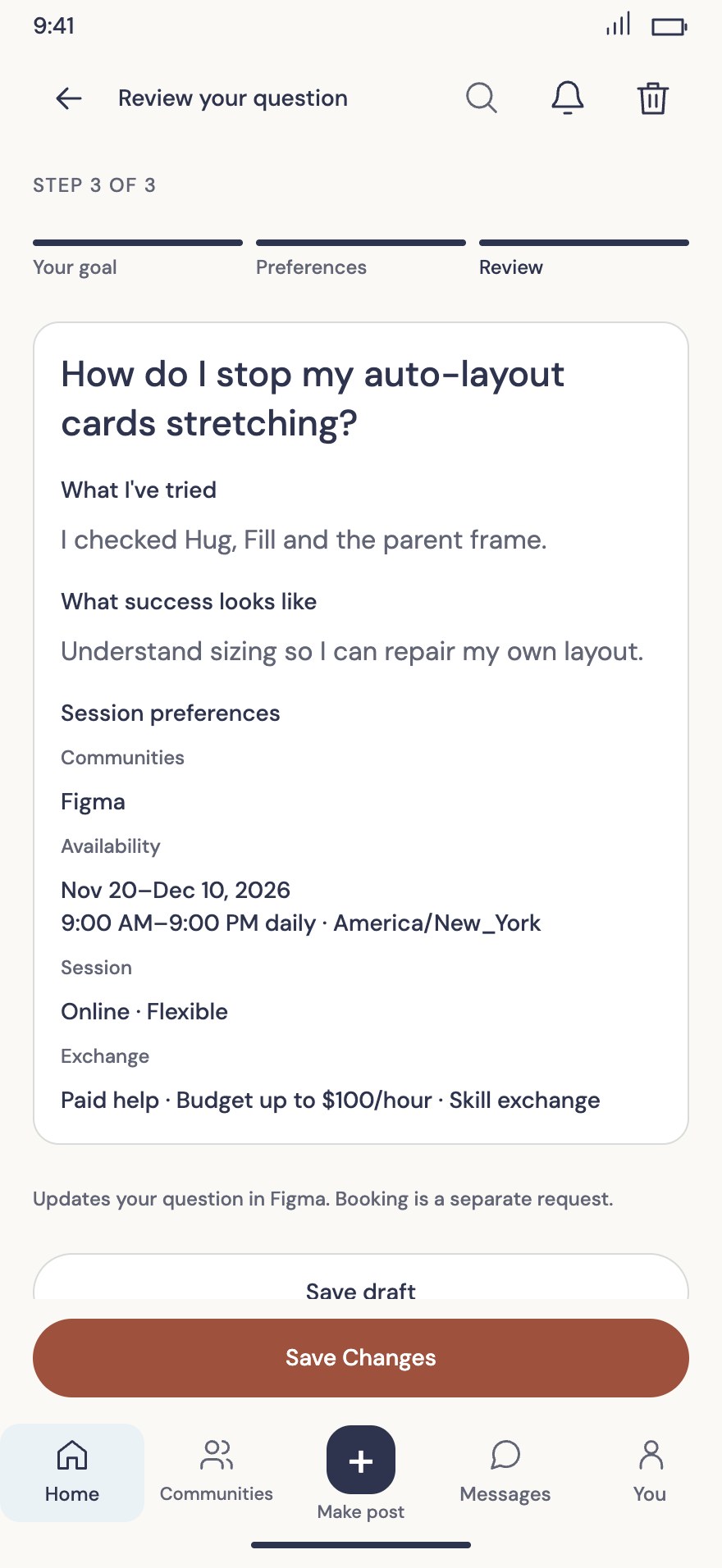
08Questions

Review before publishing

SkillSwap browser interface: Review before publishing
09Questions

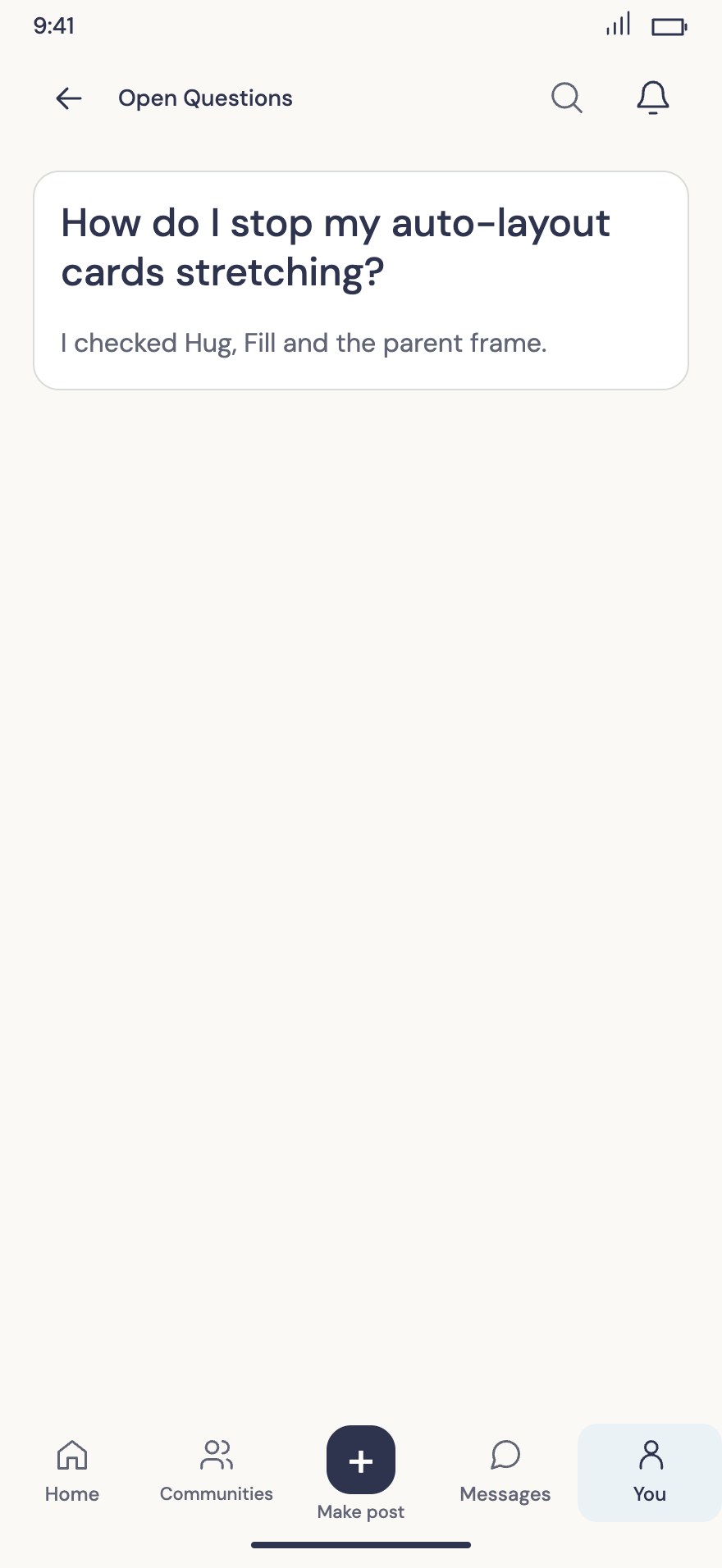
Return to your questions

SkillSwap browser interface: Return to your questions
10Questions

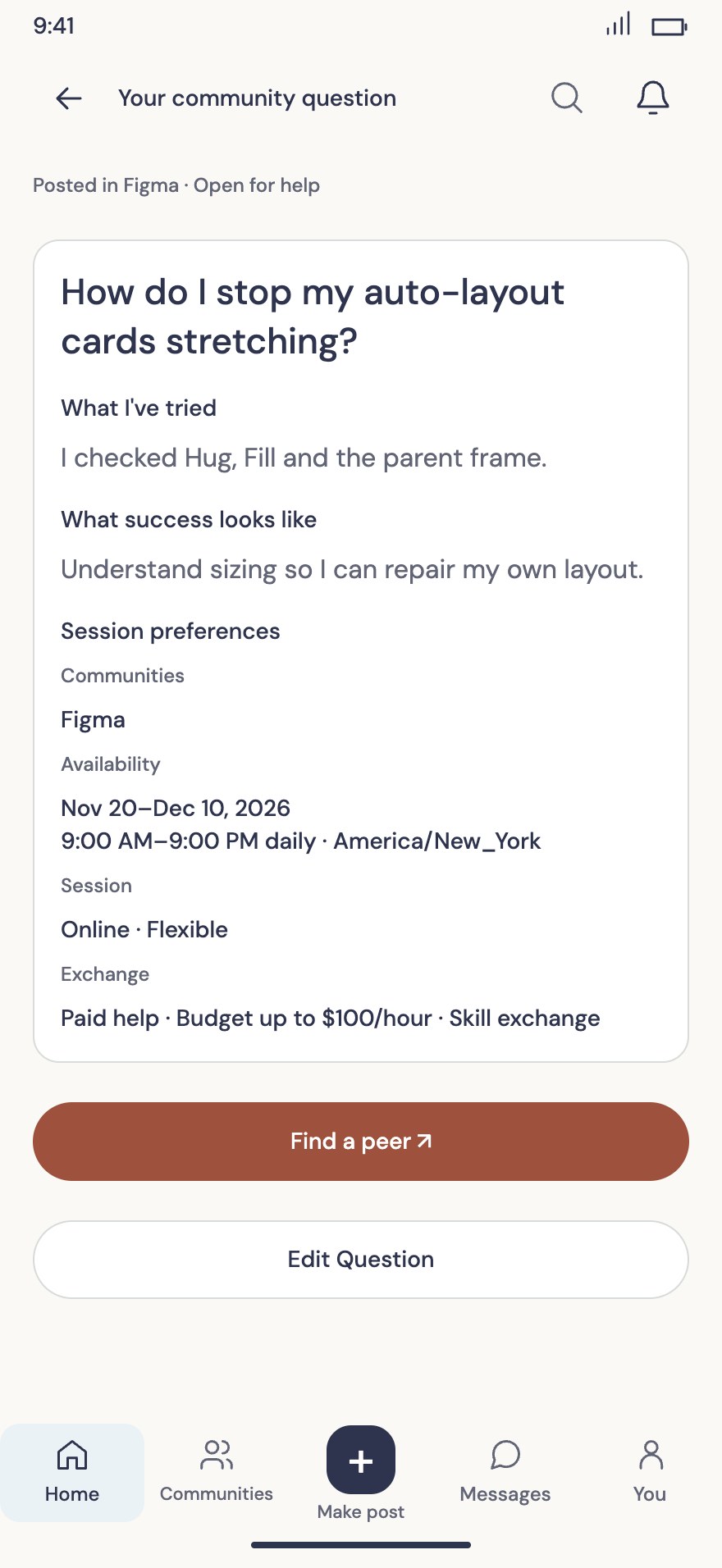
Revisit a published question

SkillSwap browser interface: Revisit a published question
11Questions

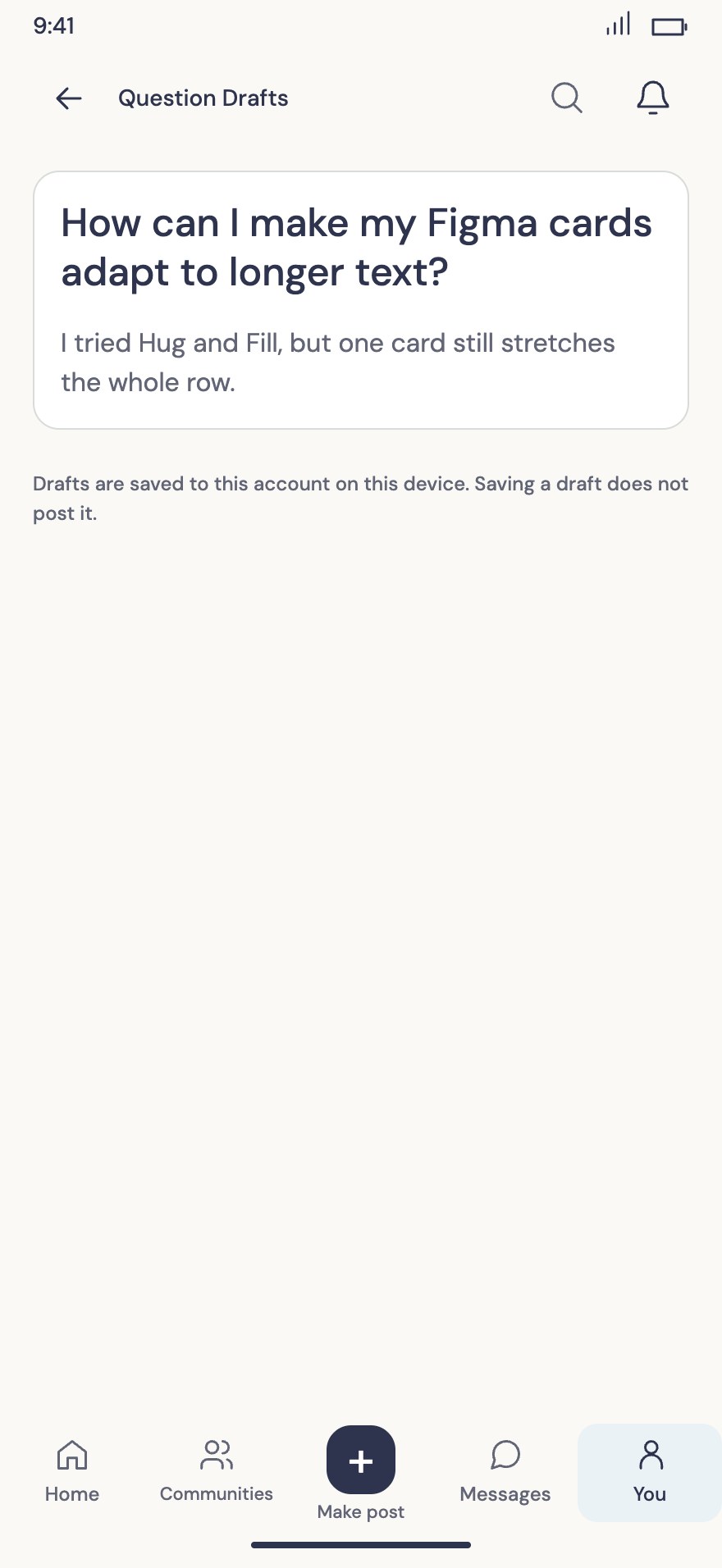
Keep unfinished work

SkillSwap browser interface: Keep unfinished work
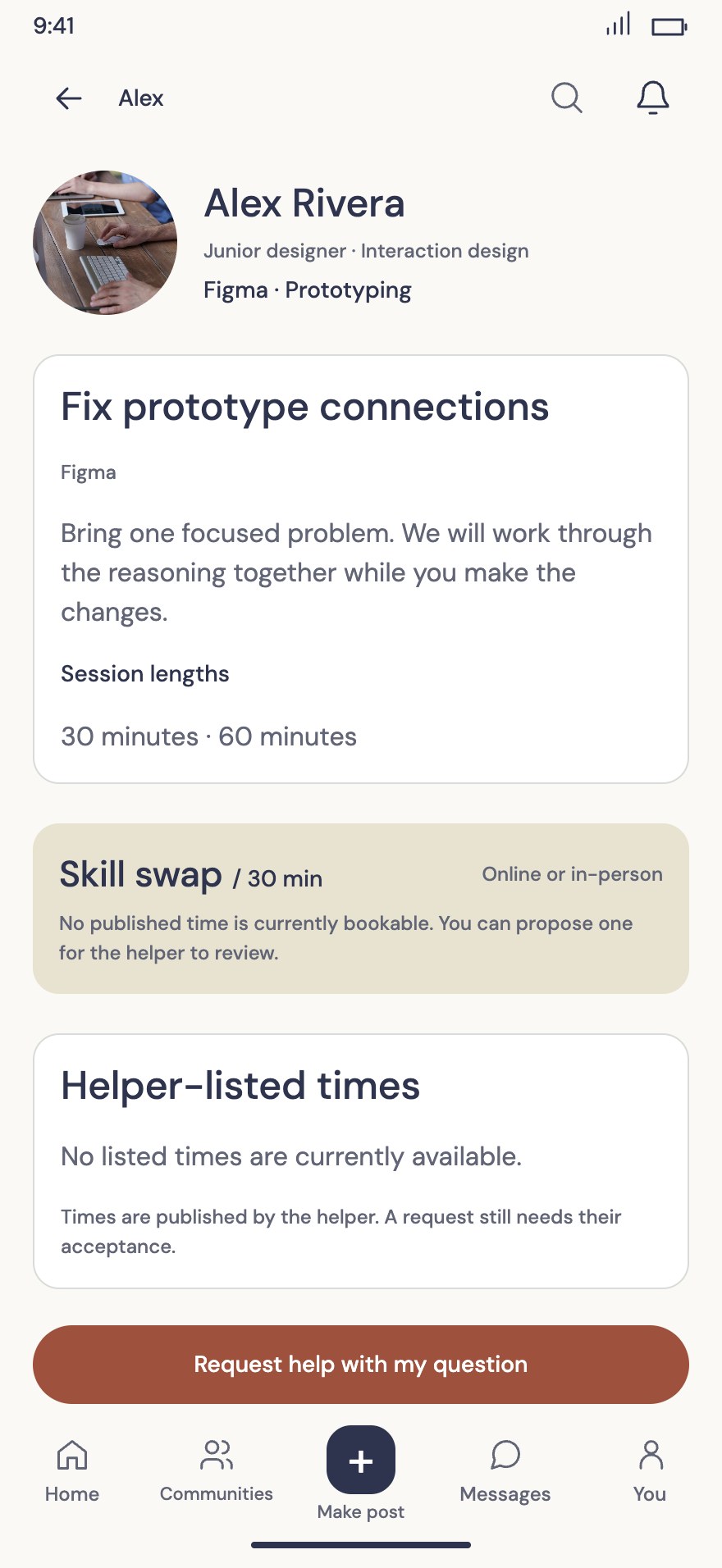
13Peer help

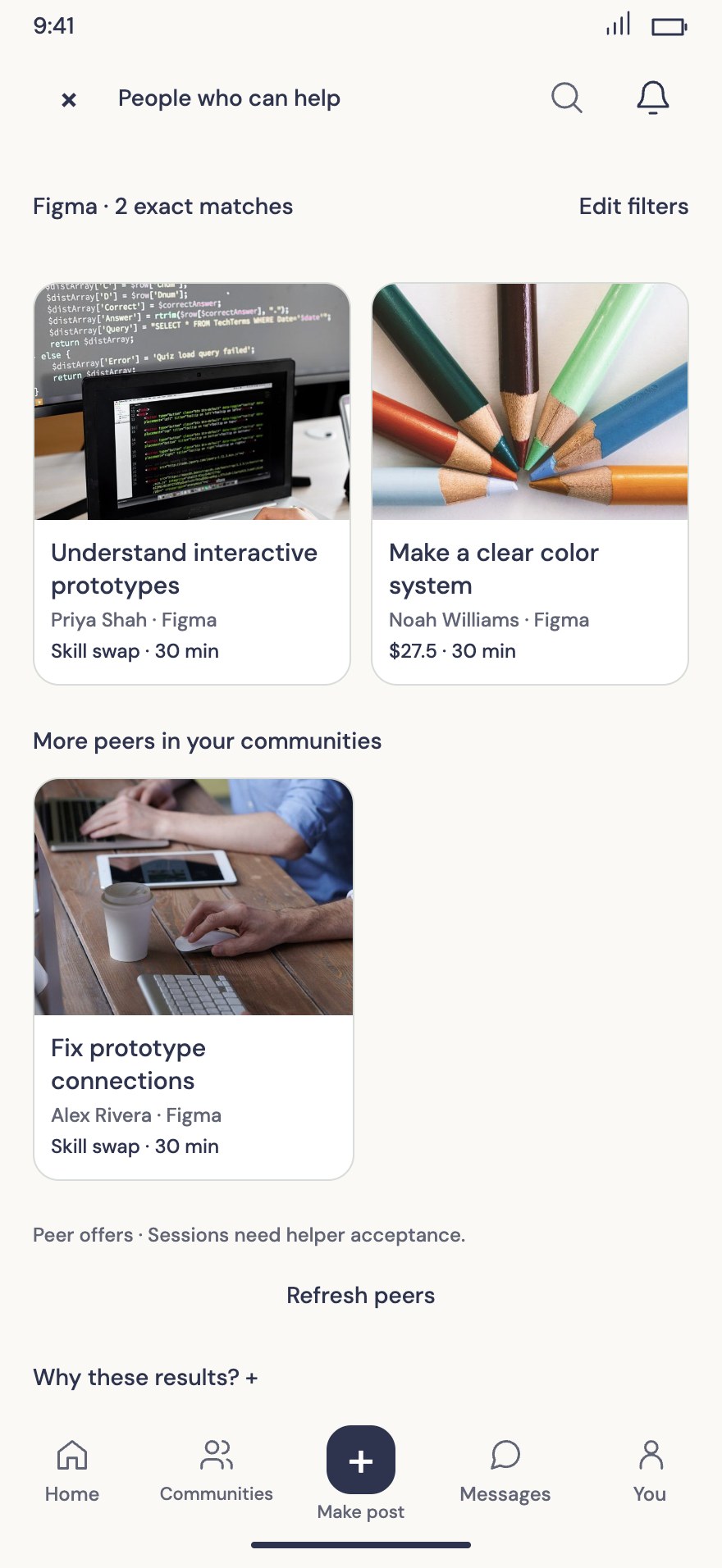
Know who you are learning with

SkillSwap browser interface: Know who you are learning with
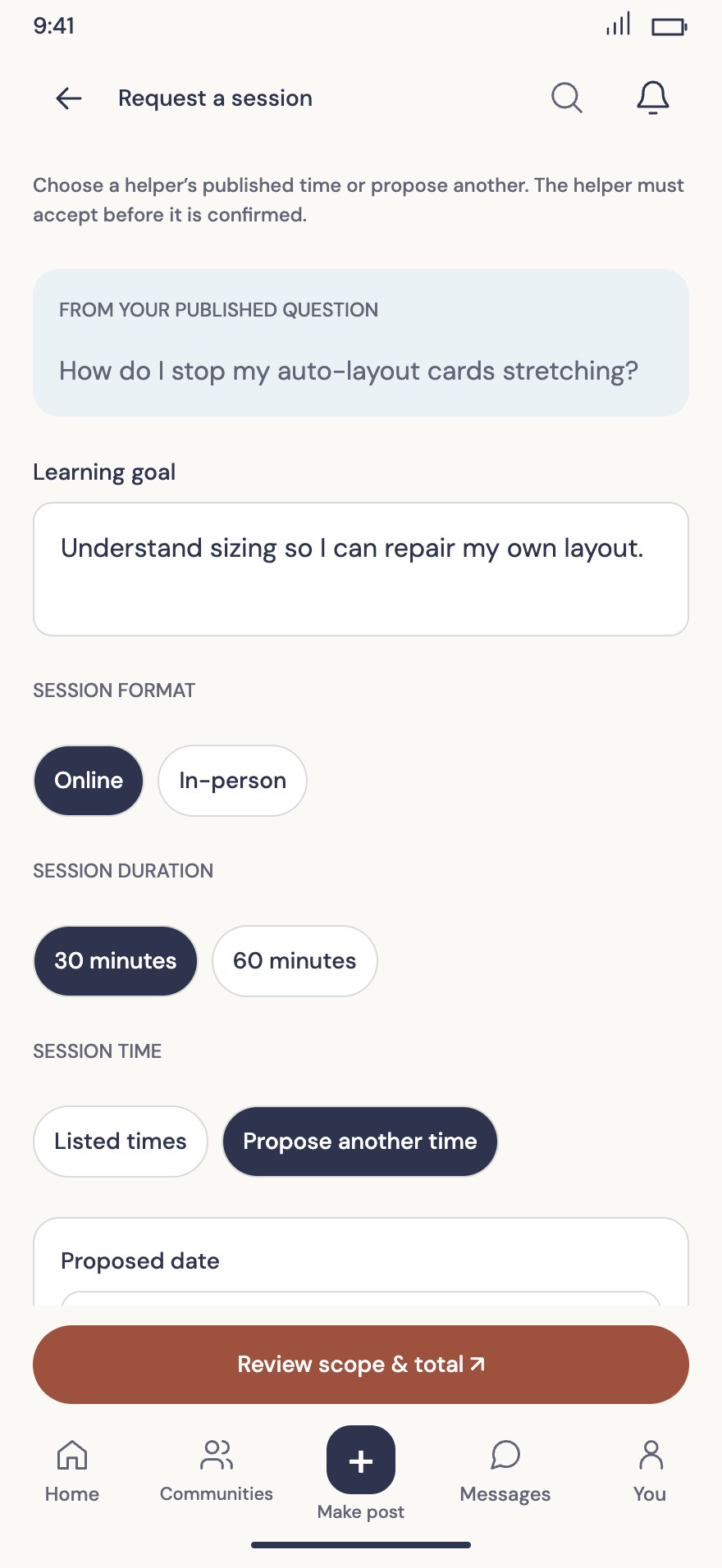
14Booking

Choose session details

SkillSwap browser interface: Choose session details
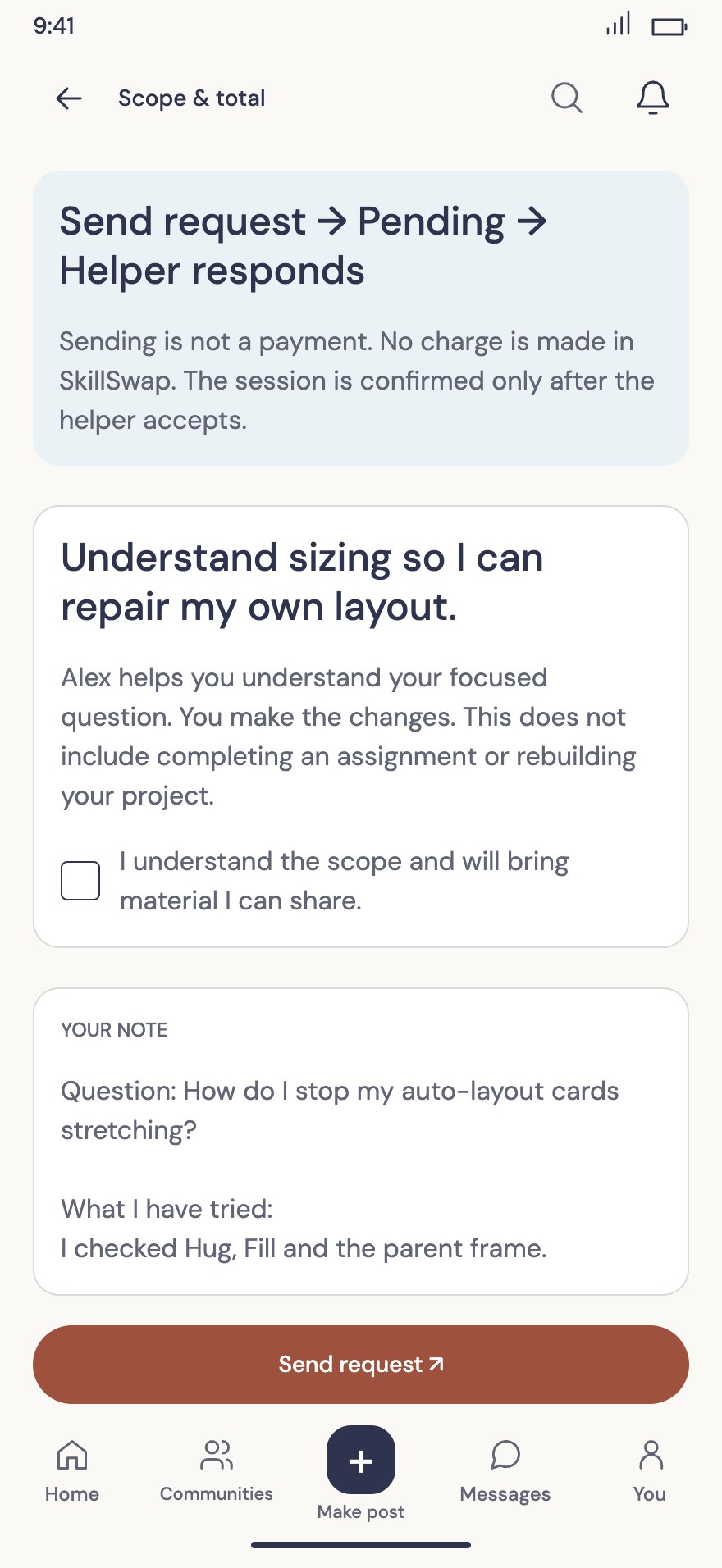
15Booking

Review scope and terms

SkillSwap browser interface: Review scope and terms
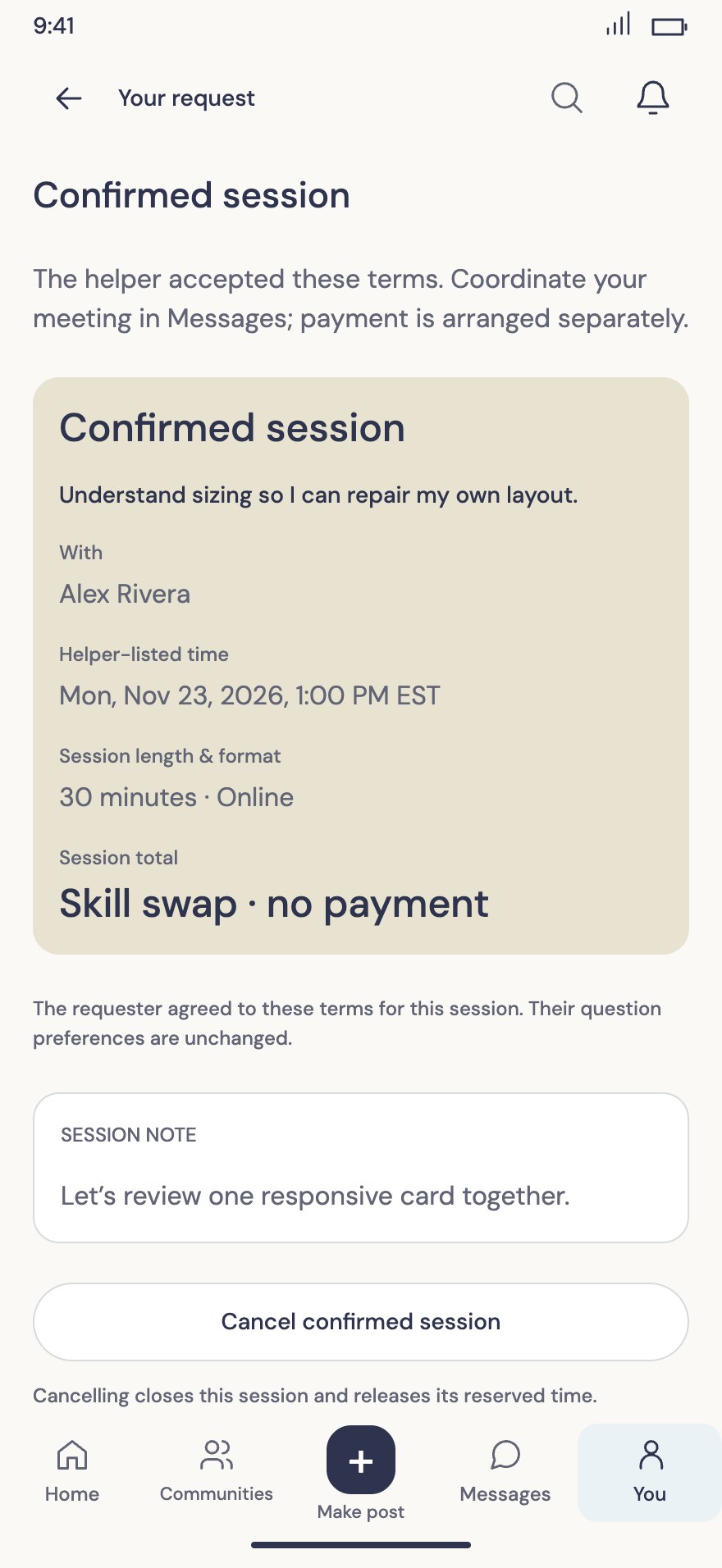
16Booking

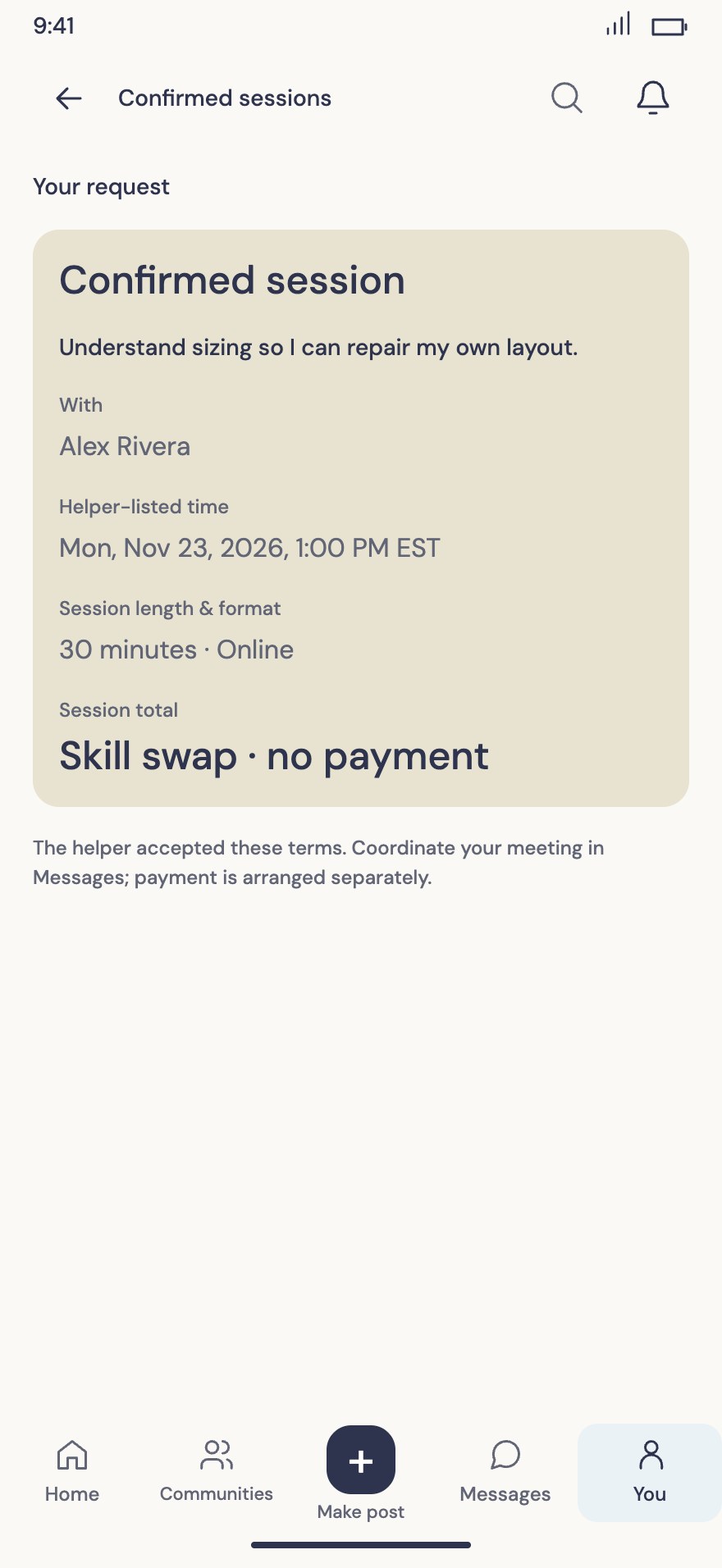
See the confirmed request

SkillSwap browser interface: See the confirmed request
17Activity

Separate questions, offers and activity
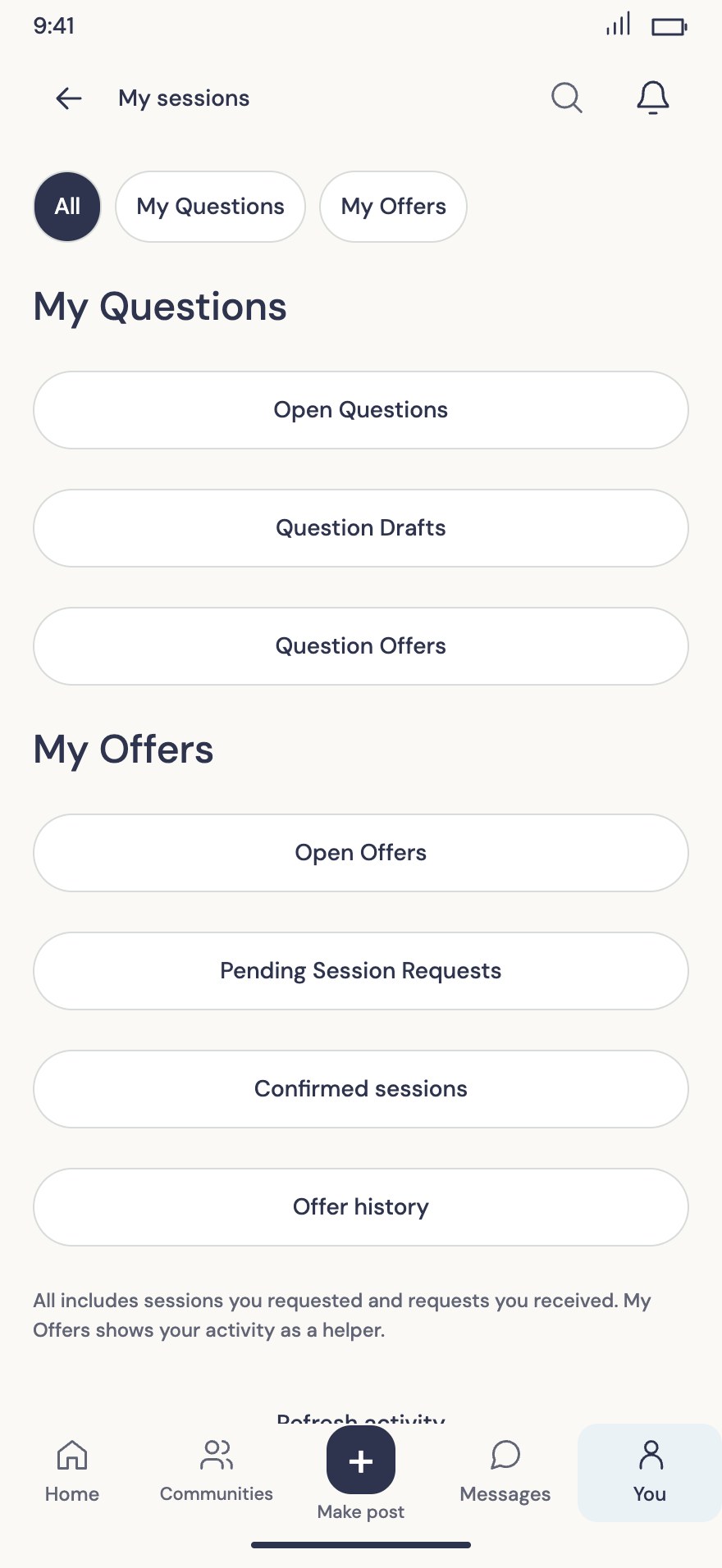
SkillSwap browser interface: Separate questions, offers and activity
18Activity

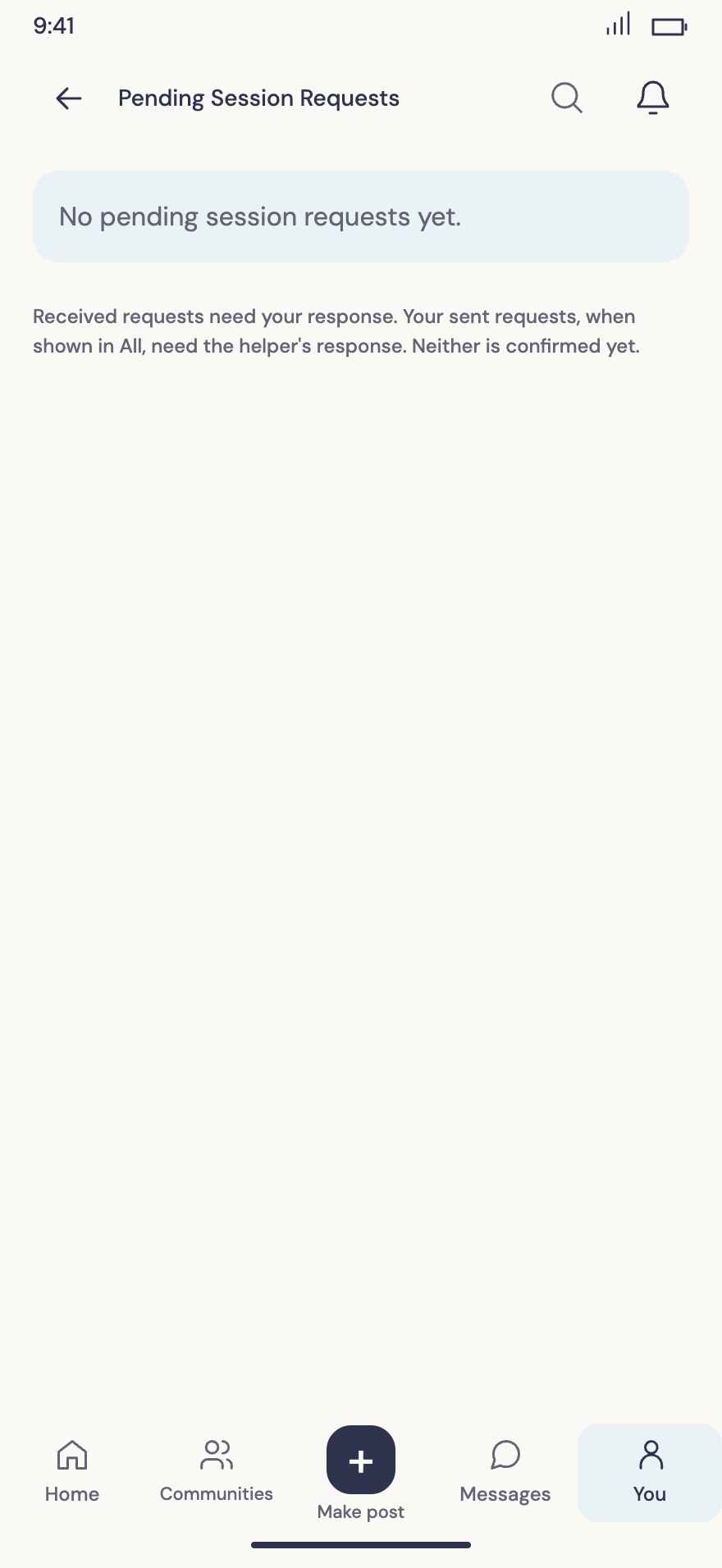
Check pending activity

SkillSwap browser interface: Check pending activity
19Activity

Find your upcoming session

SkillSwap browser interface: Find your upcoming session
20Activity

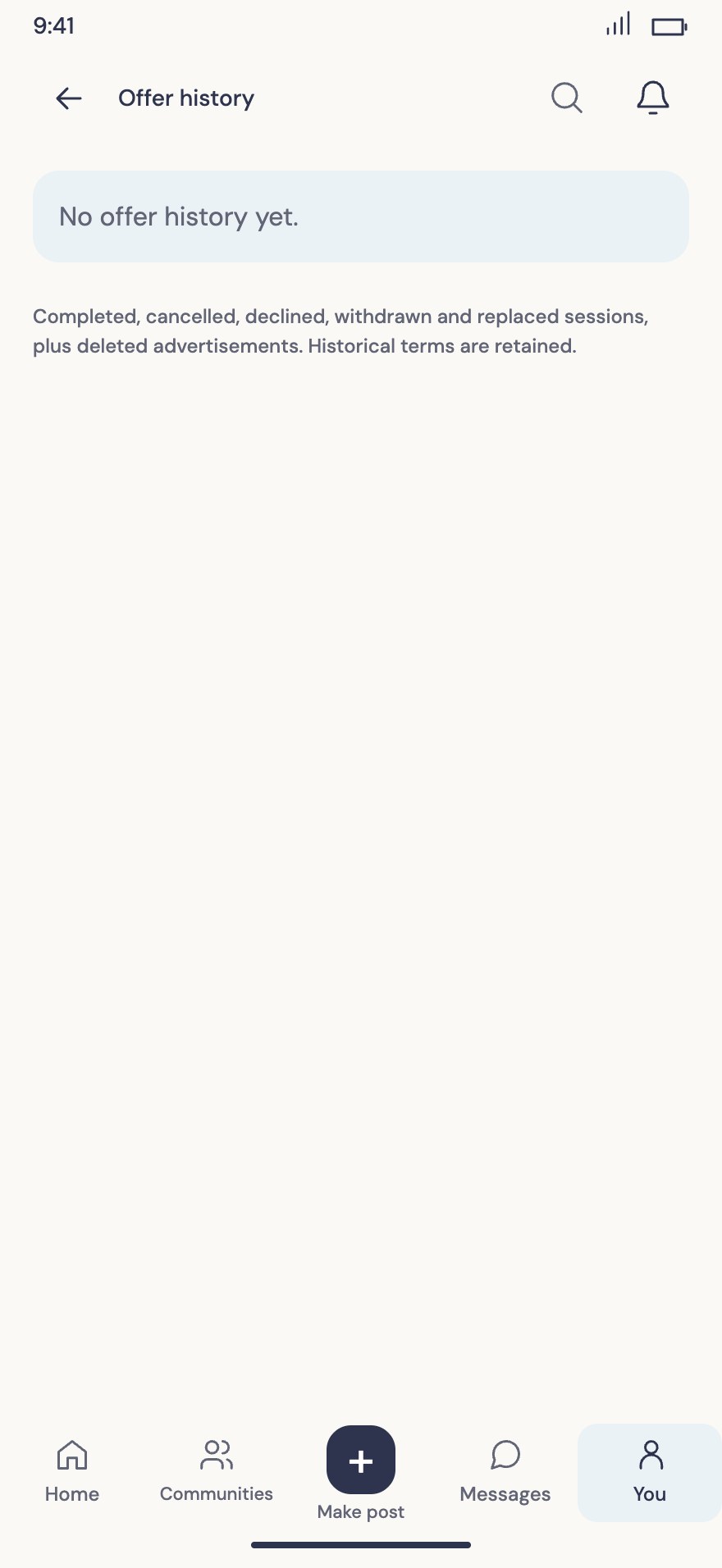
Preserve historical records

SkillSwap browser interface: Preserve historical records
21Helping

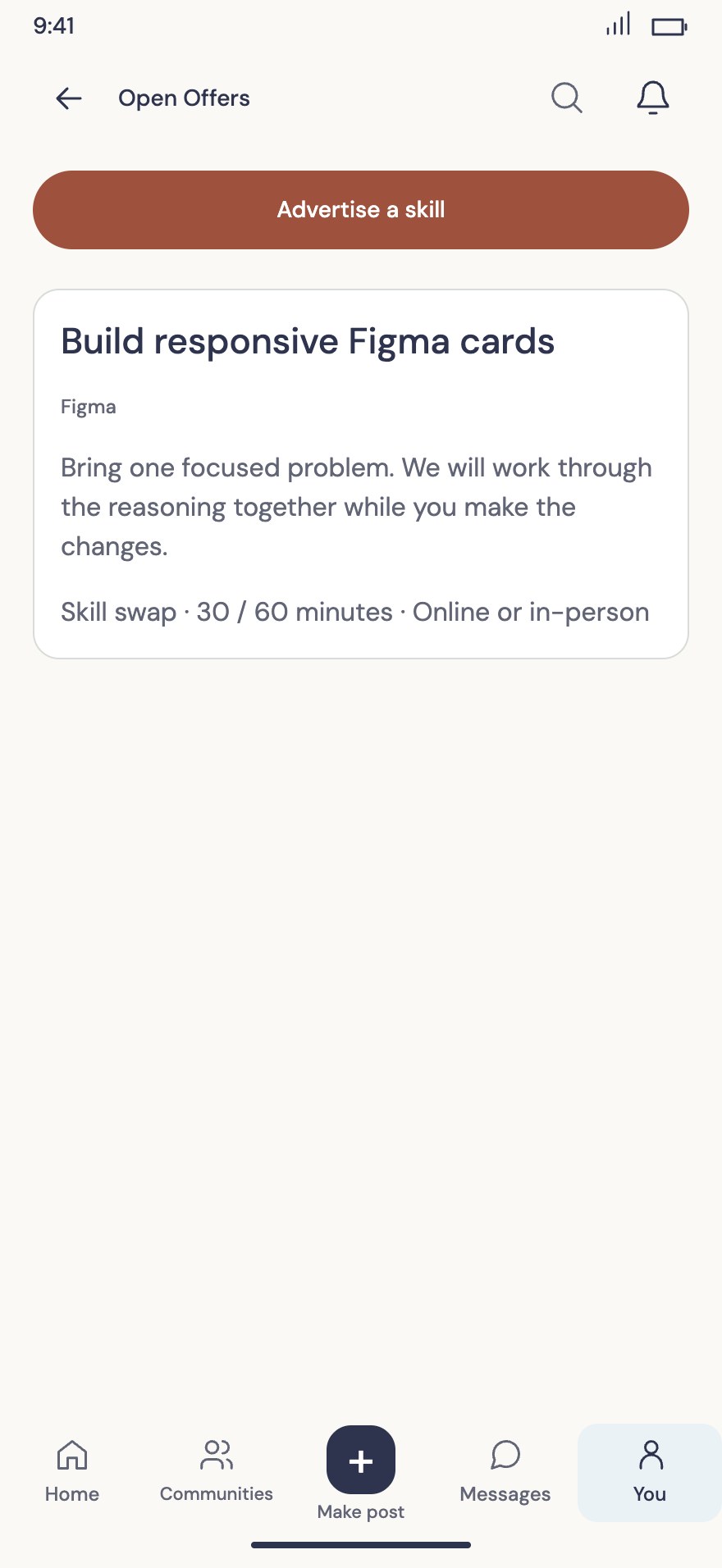
Manage your skills

SkillSwap browser interface: Manage your skills
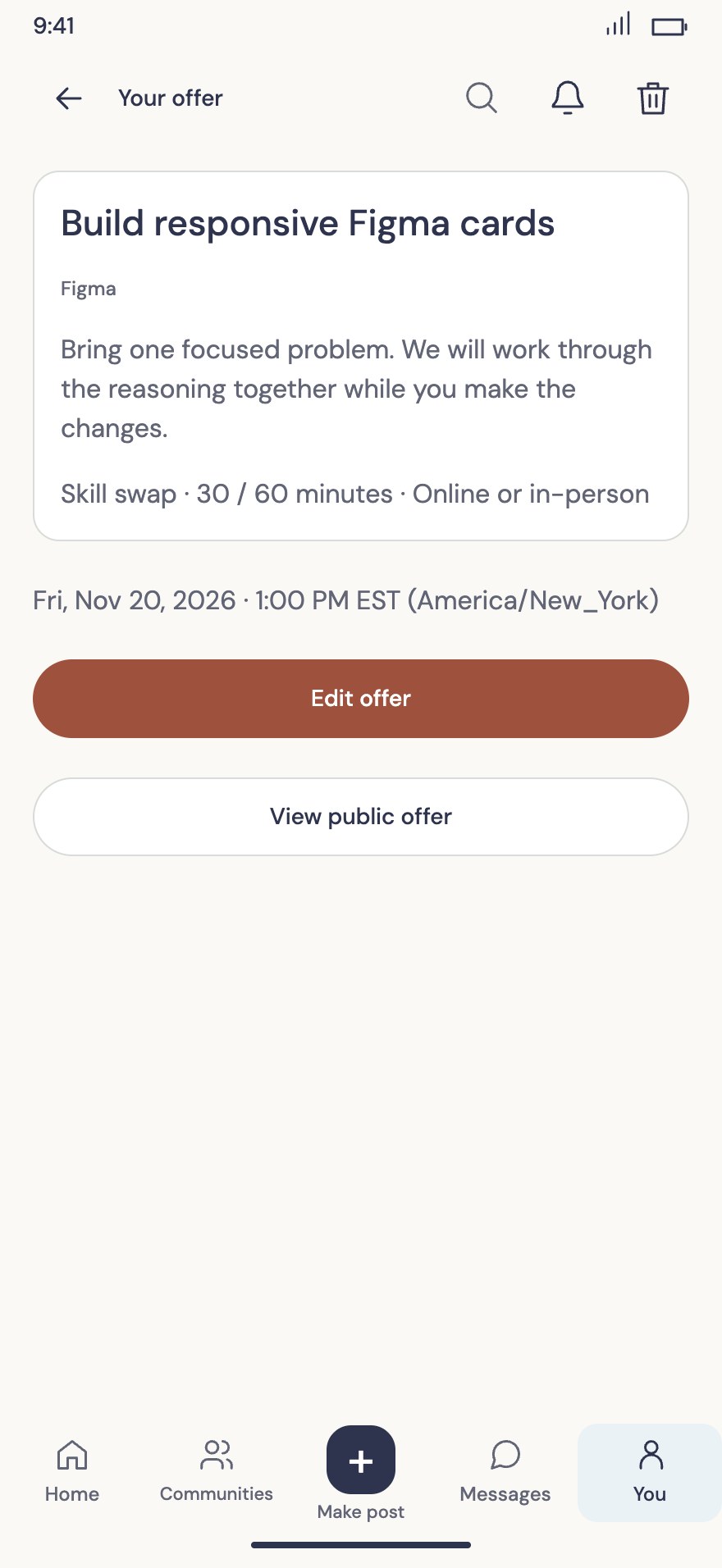
22Helping

Inspect an owned offer

SkillSwap browser interface: Inspect an owned offer
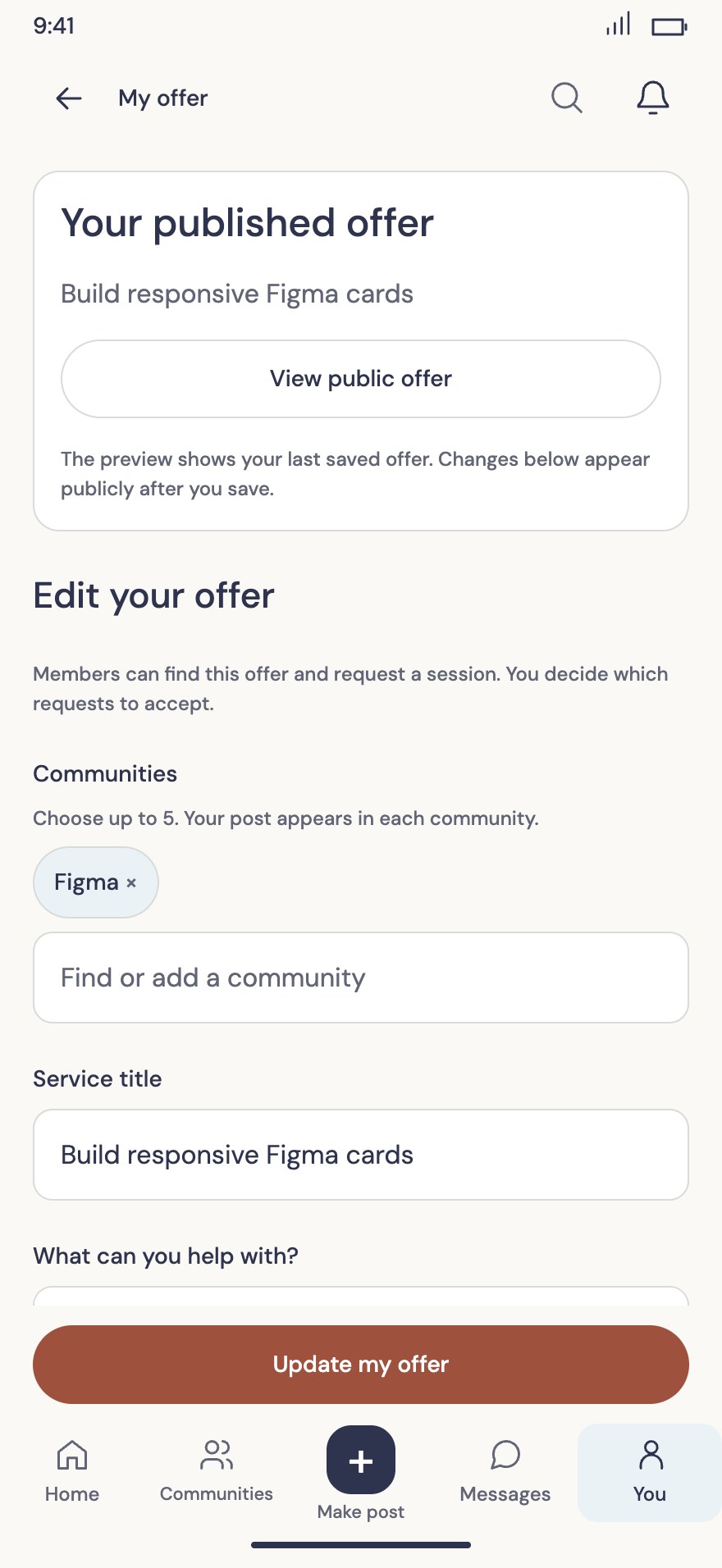
23Helping

Edit availability and terms

SkillSwap browser interface: Edit availability and terms
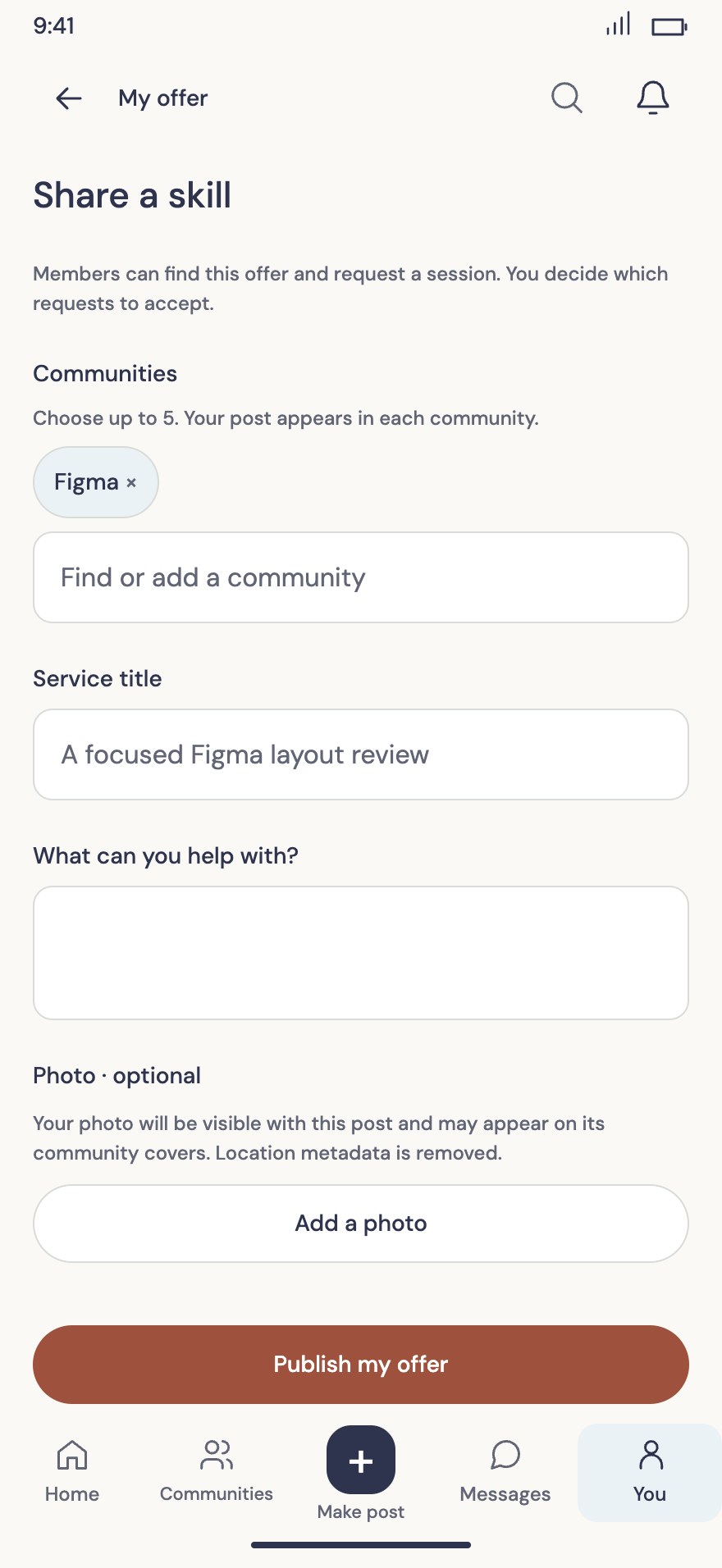
24Helping

Share a new skill

SkillSwap browser interface: Share a new skill
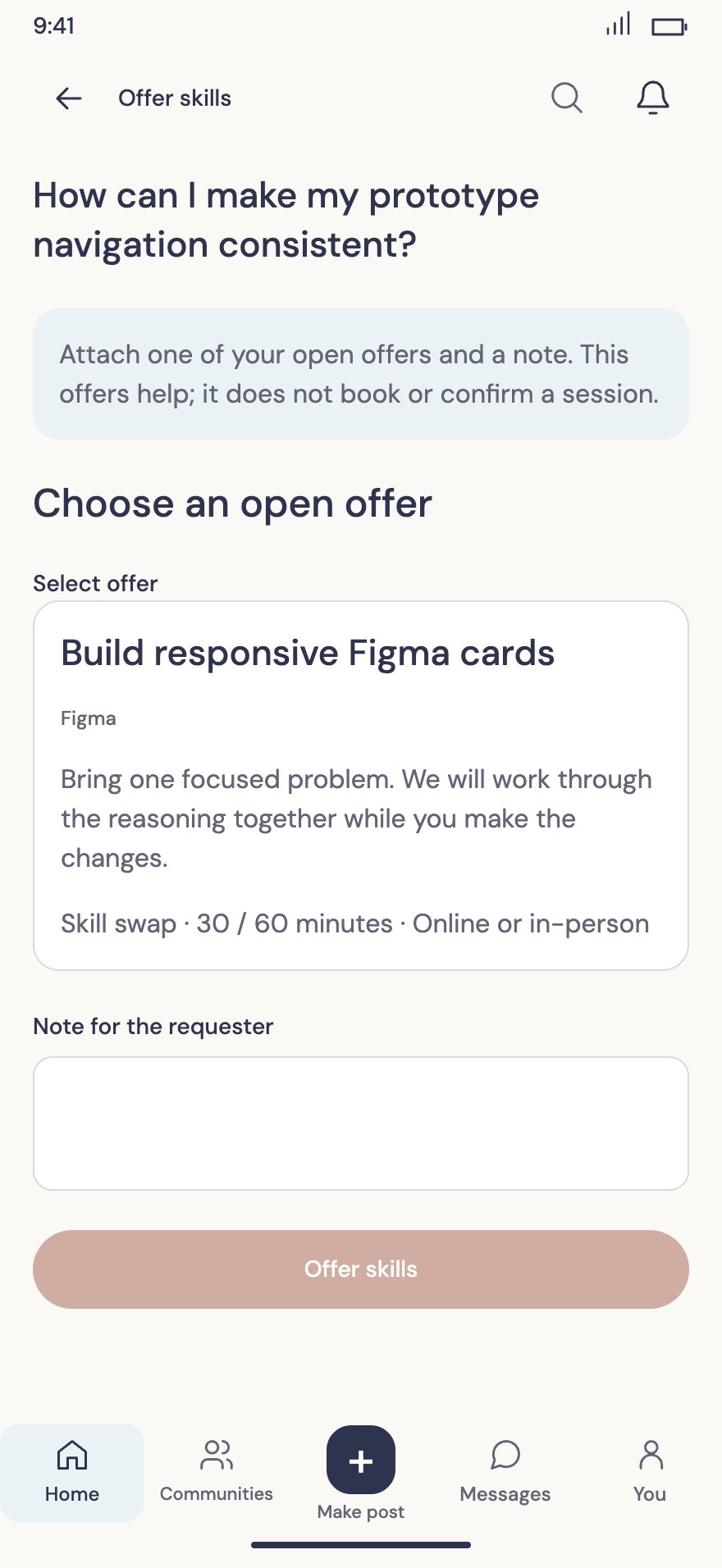
25Helping

Respond with relevant help

SkillSwap browser interface: Respond with relevant help
26Helping

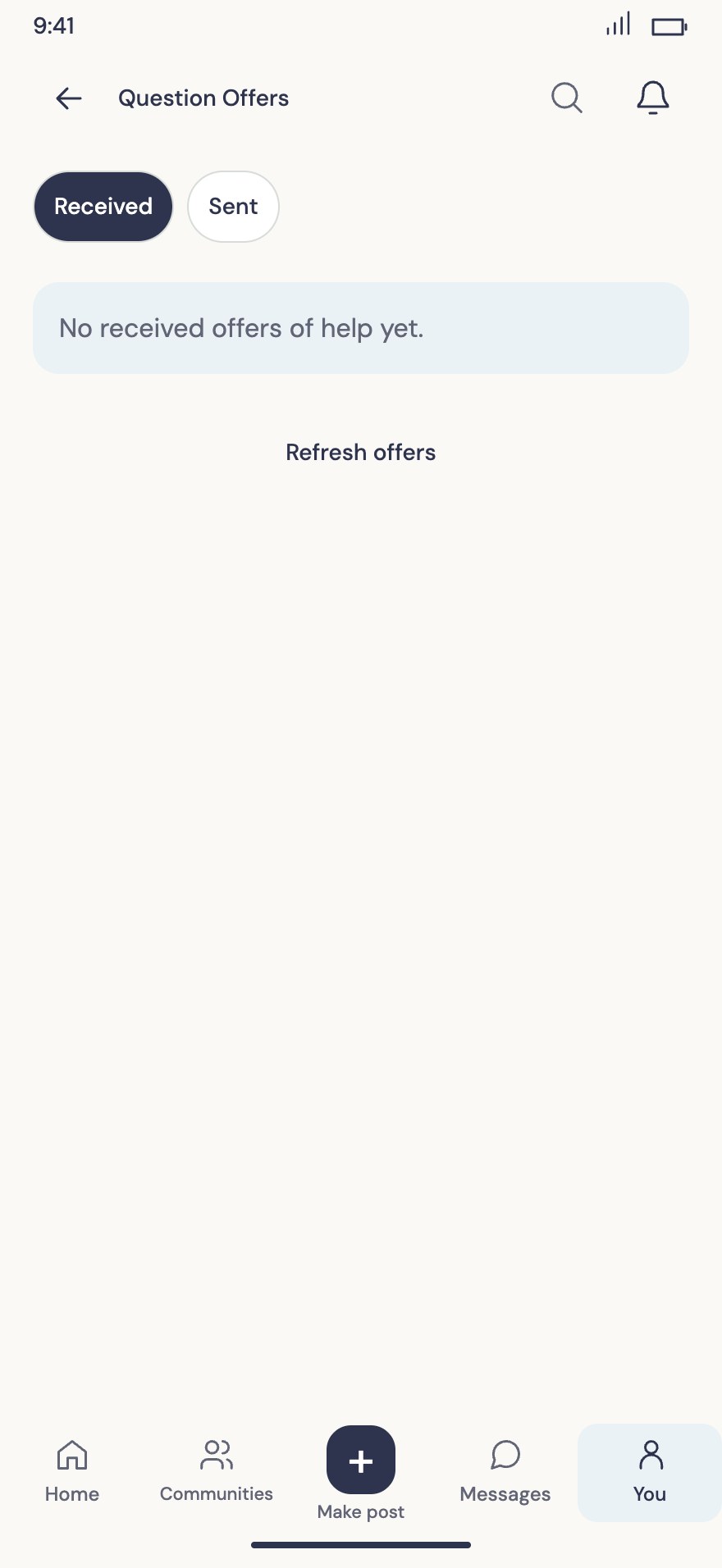
Track offers of help

SkillSwap browser interface: Track offers of help
27Communication

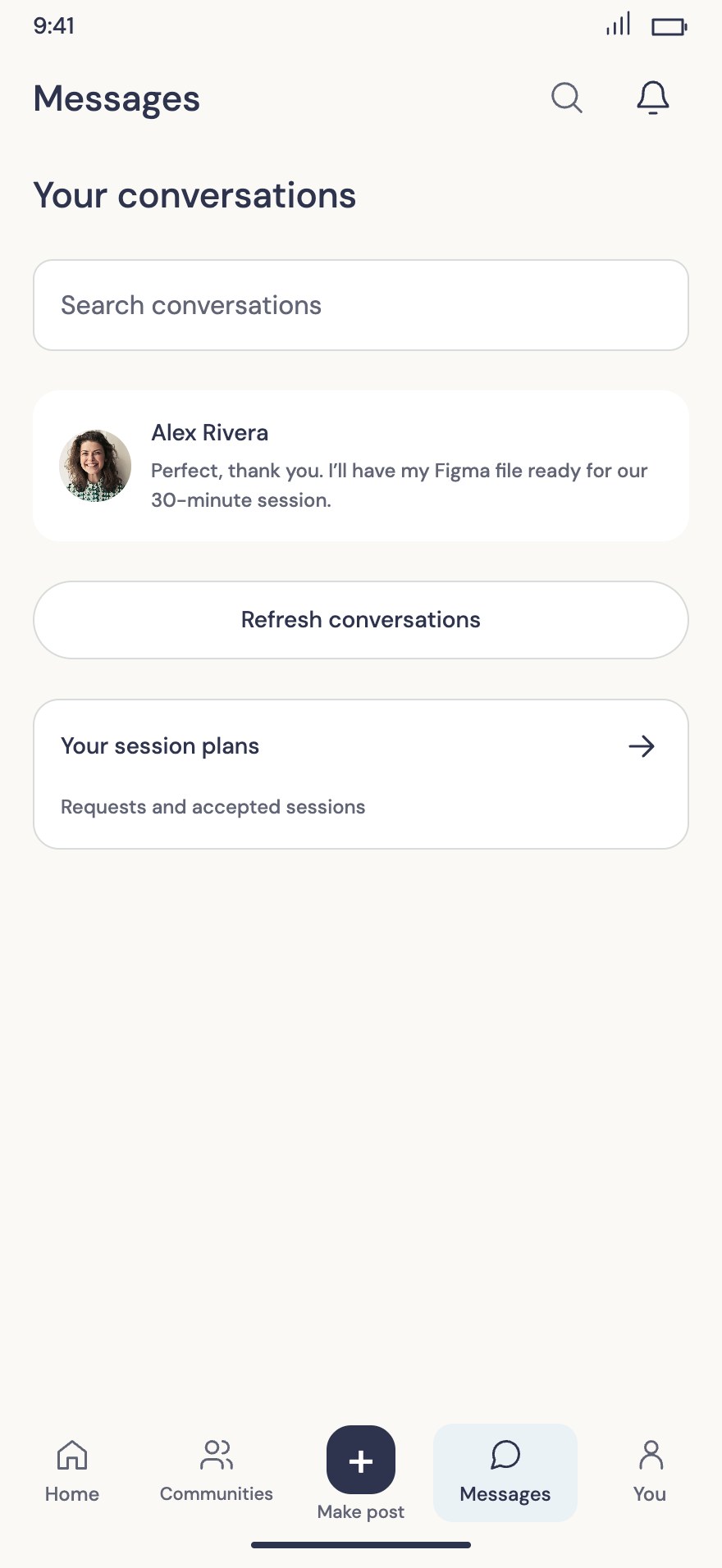
Continue the conversation

SkillSwap browser interface: Continue the conversation
28Communication

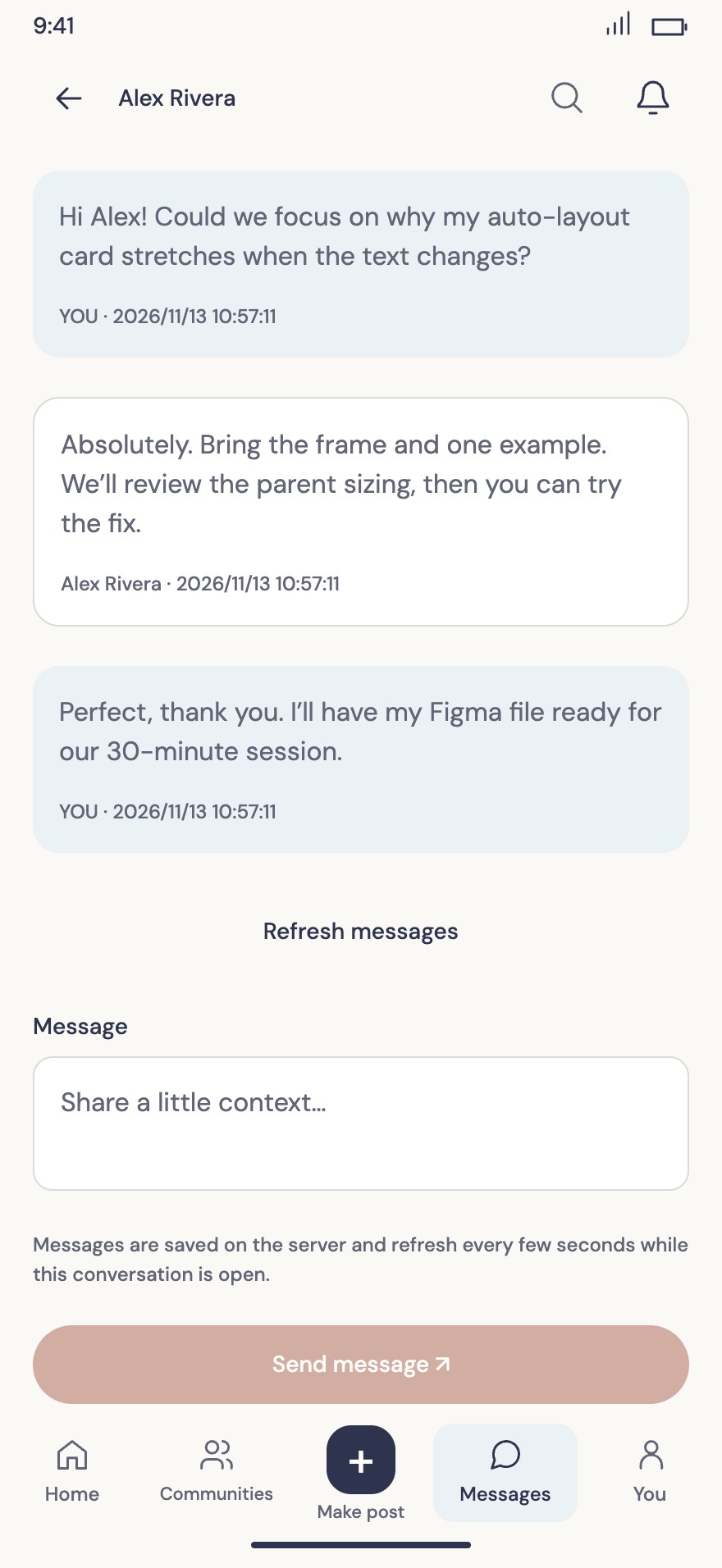
Keep the conversation focused

SkillSwap browser interface: Keep the conversation focused
29Activity

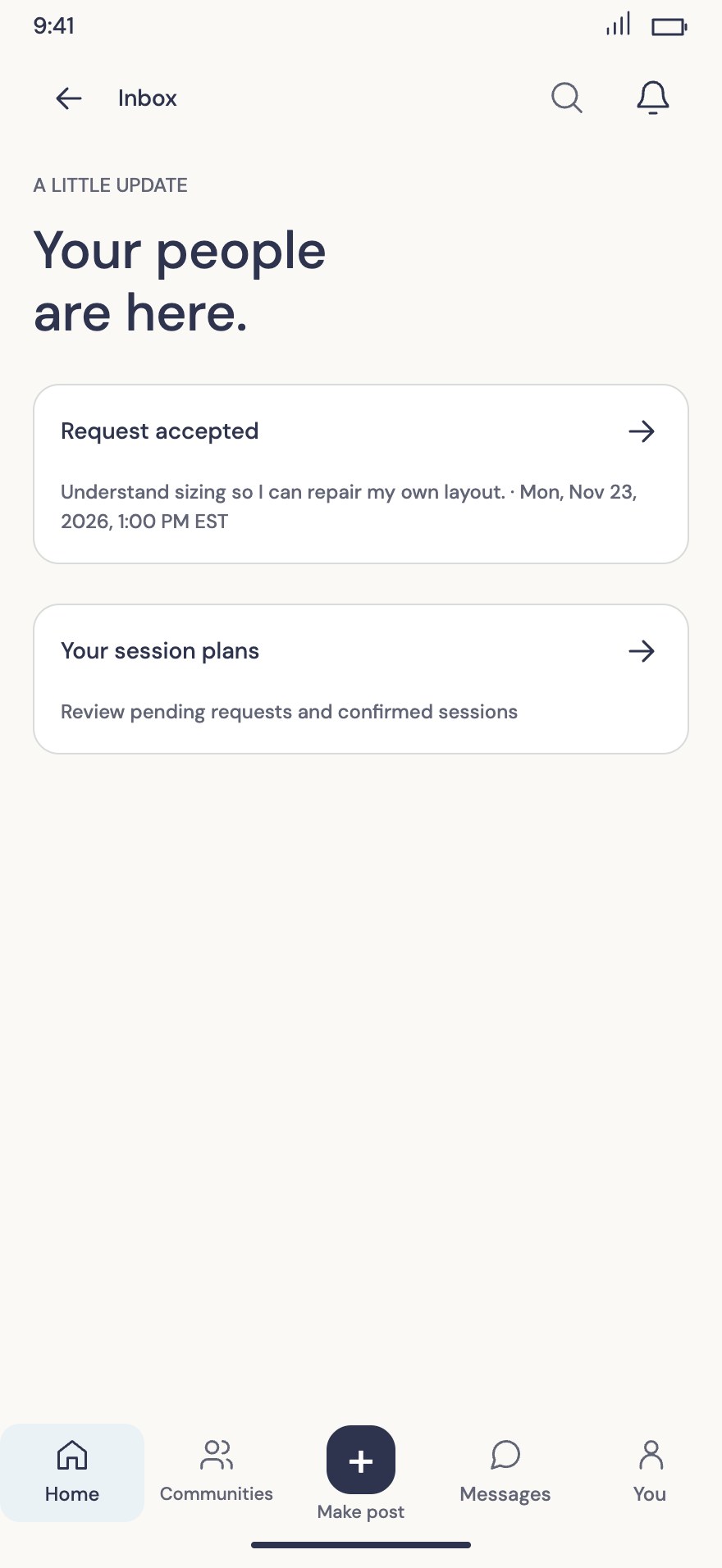
Review session updates

SkillSwap browser interface: Review session updates
30Profile

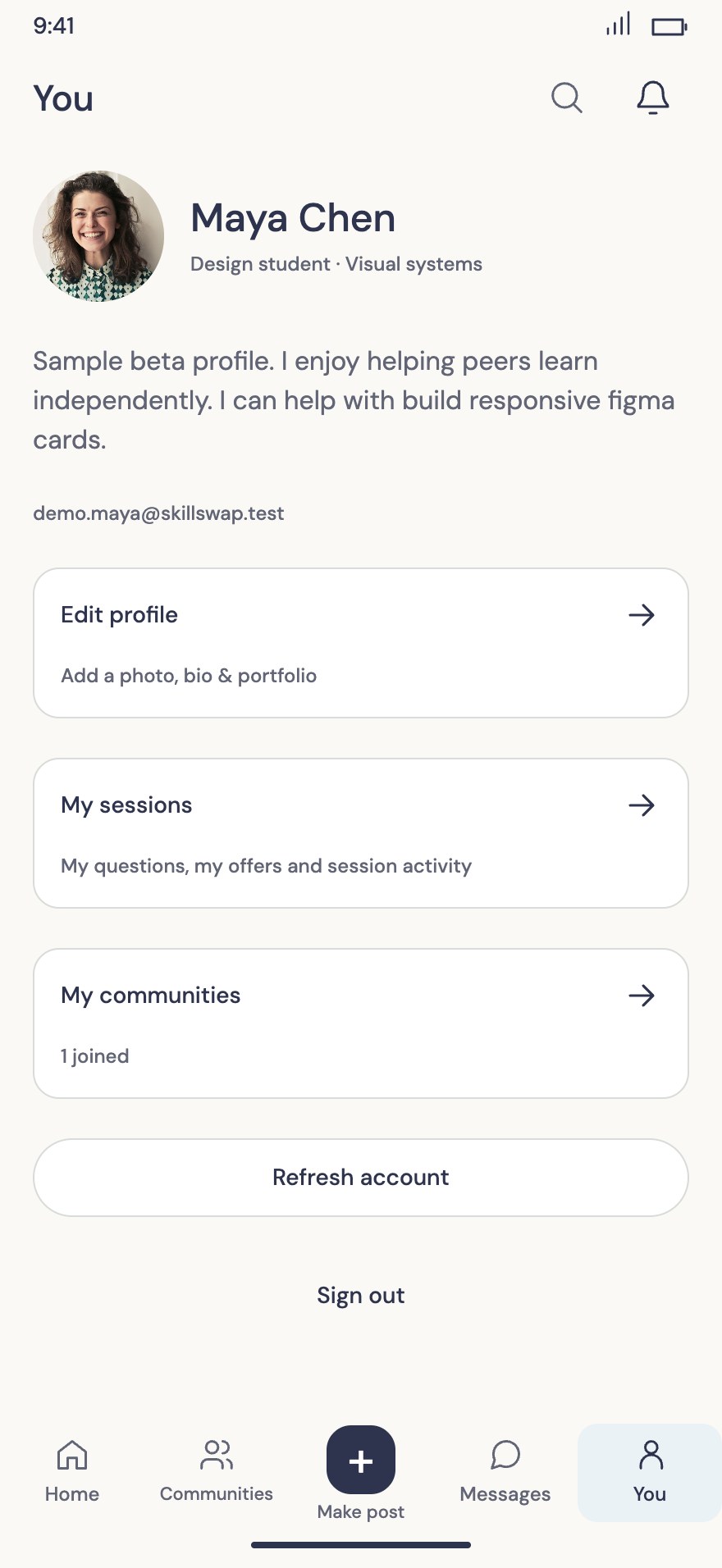
A single account, two roles

SkillSwap browser interface: A single account, two roles
31Profile

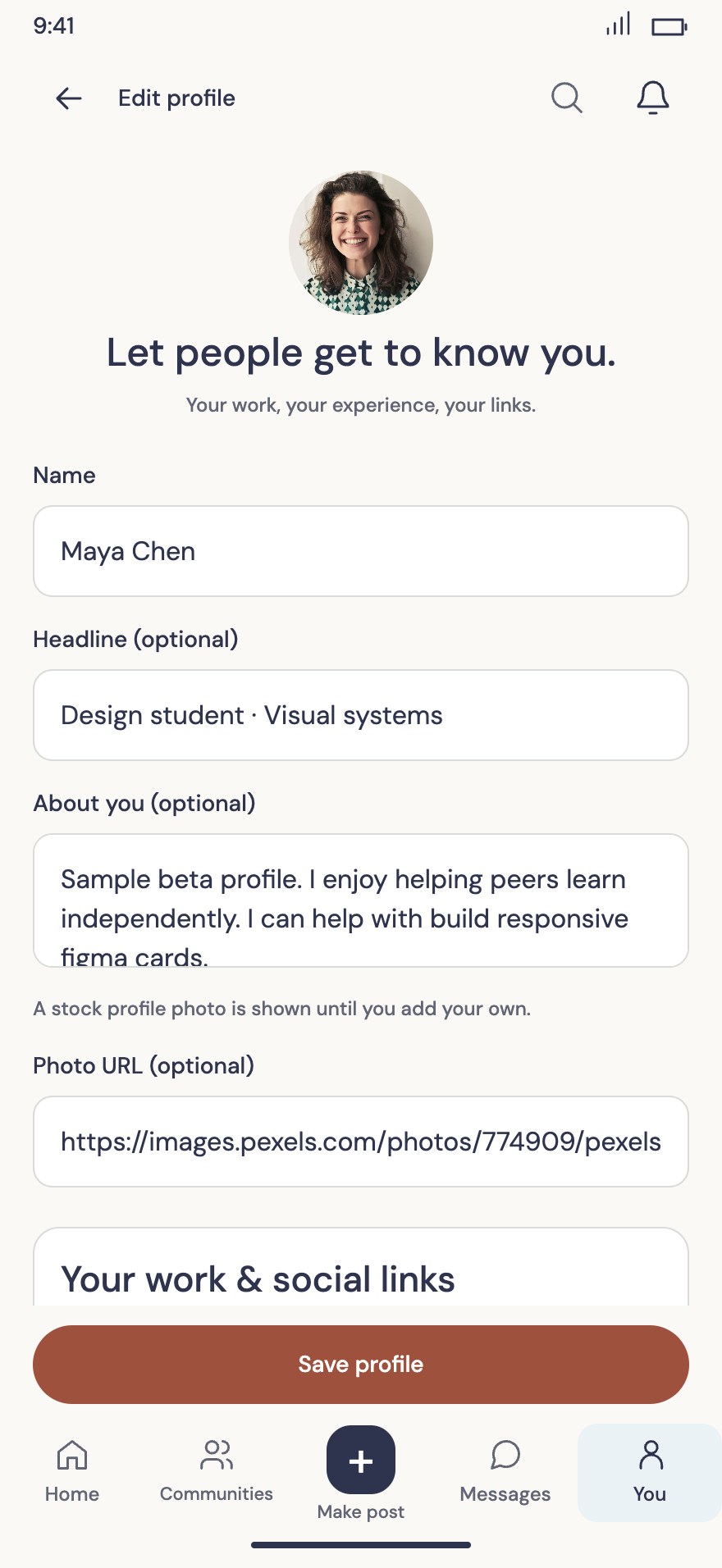
Share your work and experience

SkillSwap browser interface: Share your work and experience
32Account

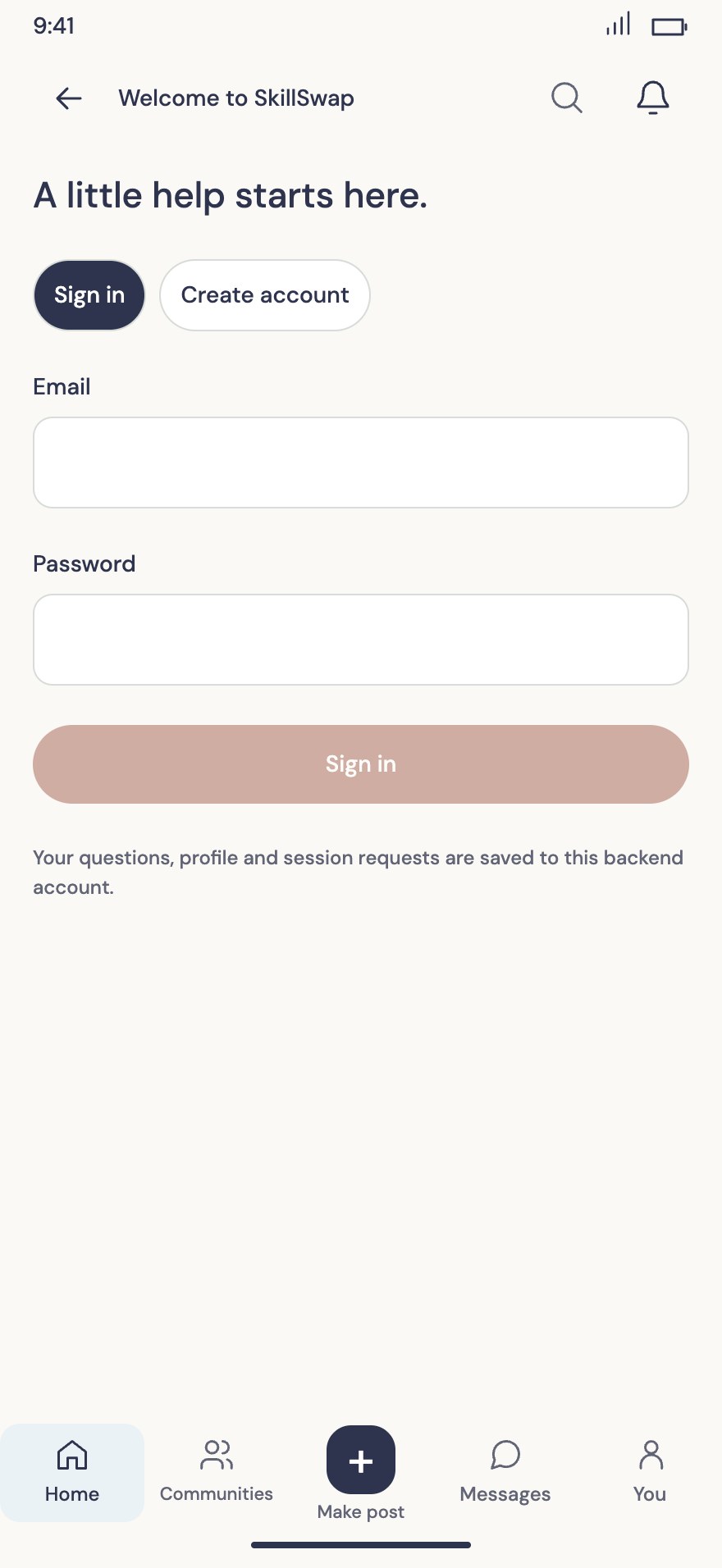
Access your account

SkillSwap browser interface: Access your account